

You just signed the offer letter for your dream job.
The excitement is real. The compensation is better. The role is exactly what you’ve been working toward.
But here’s what most people miss: your job announcement isn’t just a celebration. It’s a strategic networking opportunity disguised as good news.
Think about it. When someone accepts your connection request, where do they go first? Your profile. What do they see? Your latest posts. 82% of people check LinkedIn profiles before taking meetings. That first impression? It starts with your last post.
A lazy, auto-generated announcement that says “I’m happy to announce…” gets scrolled past in 0.3 seconds. But a strategic post that tells your story, shows genuine gratitude, and demonstrates your mission? That’s the kind of update that stops the scroll and starts conversations.
I’m not here to give you boring templates. I’m going to show you how to write a post that celebrates your win and helps you build your network, re-engage old contacts, and start meaningful conversations from day one.
When Should You Post About Your New Job?
Most people get this wrong.
They post the second they sign the offer. Here’s why that’s a mistake: timing matters more than you think.
The smartest time to post is at the end of your first week. Here’s why:
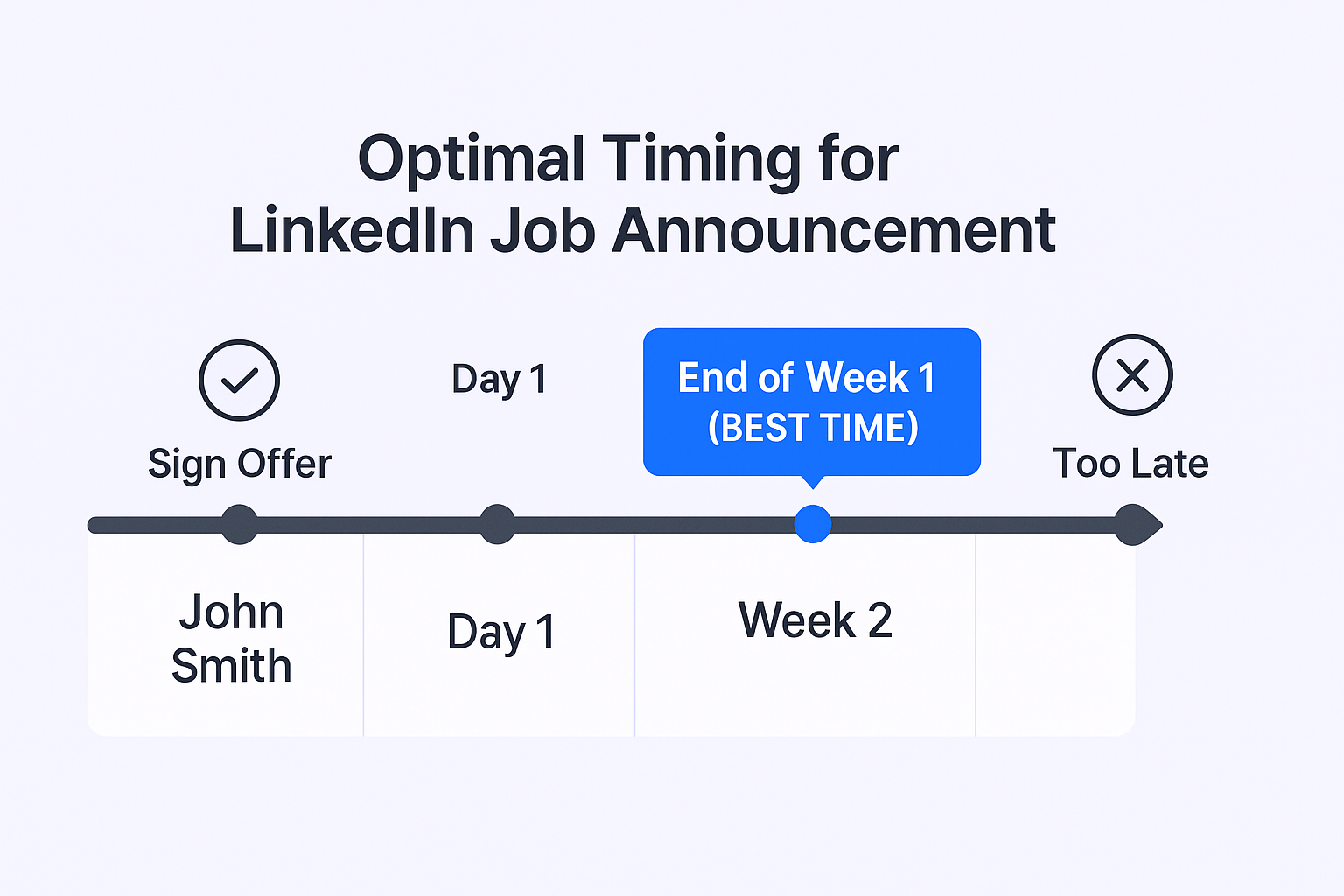
It’s safer. You’ve officially started, completed onboarding, and there’s zero chance of the offer falling through (rare, but it happens).
It’s more professional. You’ve wrapped up everything at your previous company and told your old team before they see it on LinkedIn. Trust me, burning bridges over a LinkedIn post isn’t worth it.
It’s more authentic. This is the real reason.
On Day 1, you can only talk about why you think you’ll like the job. But by Friday? You’ve been through onboarding. You’ve met your new team. You have a real feel for the company culture. You’ve probably had an “a-ha” moment in training.
Your post will be 10x more compelling. You can tag your new colleagues, share a genuine insight from your first week, and speak with real conviction about the company’s mission.
Pro-Tip: Consider making a separate “thank you” post for your old company before you start your new role. This gives both your “goodbye” and your “hello” their own space to shine.
Top Reasons Why You Should Write a New Job Post on LinkedIn
For professionals, this isn’t vanity. This is strategy. A single, well-crafted announcement post is a high-leverage event. Here’s what it really does for you.
It Builds Your Personal Brand and Establishes Trust
Your personal brand is your primary professional asset. People don’t just connect with companies; they connect with people they trust. This post is your chance to publicly state your mission: “I’m at this company to help solve X problem.” It’s an instant credibility-builder that positions you as someone who thinks strategically about their career.
It’s a “Warm” Re-engagement for Your Entire Network
This is the hidden goldmine. Your announcement post is a conversation starter in disguise.
Your network is full of old colleagues, university friends, and past contacts. When you post, you pop up at the top of their feed. This gives you a perfect, non-awkward reason to follow up in DMs:
- To an old colleague: “Hey, thanks for the like on my post! How have things been at [OldCo]?”
- To a past contact: “Appreciate you congratulating me. Would love to catch up soon!”
This one post can restart 20-30 “dead” conversations.
It Triggers Reconnections from Your Old Network
Think about it. You were great at your old job. Maybe someone you worked with is now looking for talent. Maybe a former colleague wants to reconnect. Your post is a “bat signal” to them, letting them know where you’ve landed.
It Cements Your Status as a Professional Networker
Being active and strategic on LinkedIn isn’t just for influencers. It’s for top-performing professionals. The data is clear:
People who use LinkedIn strategically create 45% more opportunities and are 51% more likely to hit their career goals.
This post is your first, easiest step to joining that group.
How To Announce a New Job on LinkedIn in 3 Ways?
Let’s get tactical. There are three ways to do this. One is lazy. One is strategic. (Guess which one I recommend?)
Method 1: The “Lazy” Auto-Post (What Not To Do)
How it works: You go to your profile, click the pencil icon, scroll to “Experience,” and click “+”. You add your new role, and at the bottom, you make sure the “Notify network” toggle is switched ON.
The Result: LinkedIn generates that boring, automated banner: “Congratulate [Name] on starting a new position as [Title] at [Company]”.
Why You Must Avoid This: This is a wasted opportunity. It shows zero effort, zero personality, and zero gratitude. Remember that 82% of people are checking your profile. This is a lazy first impression.
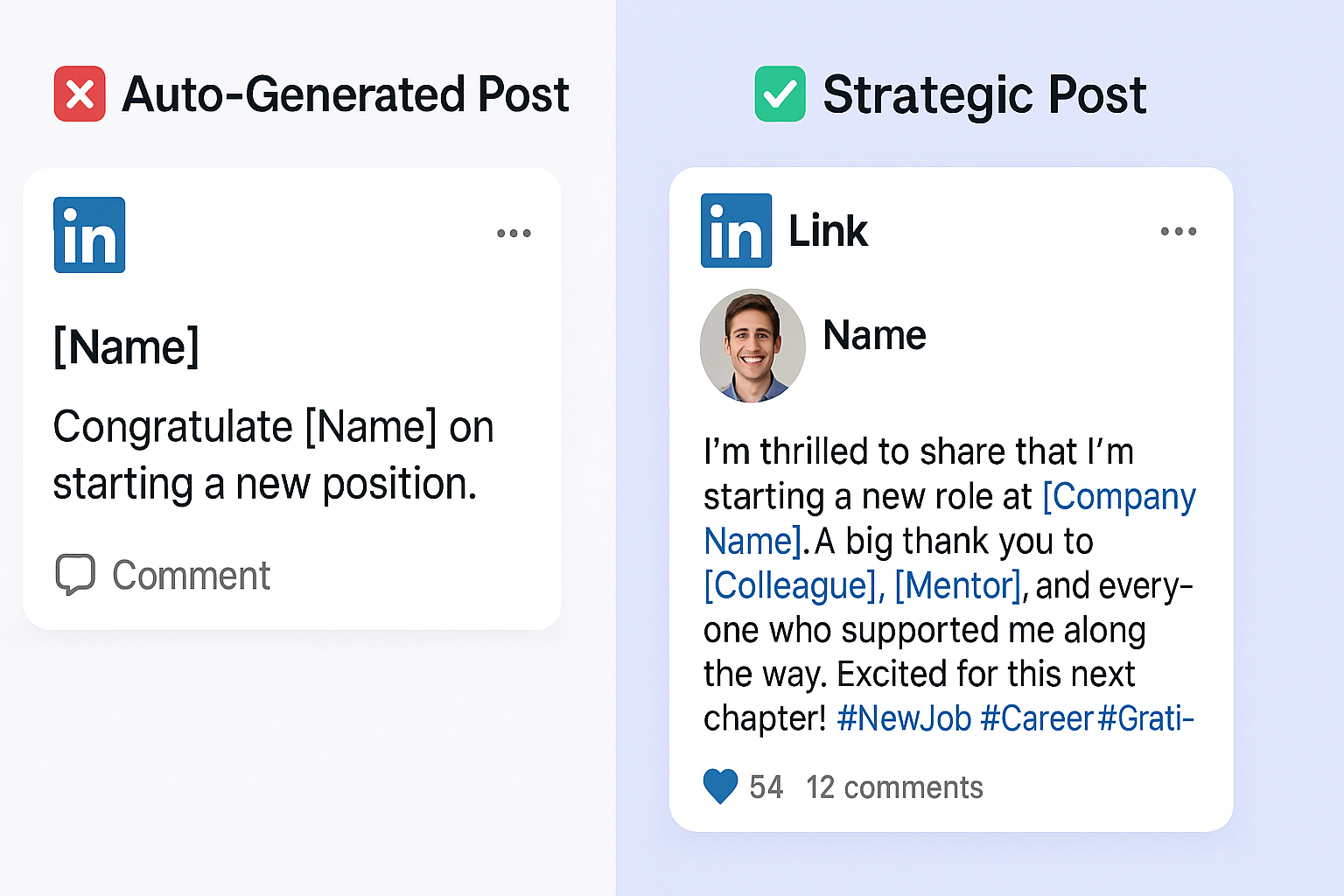
The Pro-Tip: Go ahead and update your profile, but when you do, turn that “Notify network” toggle OFF. This lets you update your profile silently, so you can then…
Method 2: The “Strategic” Standalone Post (The Only Way to Do It)
How it works: After you’ve silently updated your profile (Method 1 with the toggle off), you go to the LinkedIn homepage. You click “Start a post” and craft a dedicated, personal announcement from scratch.
Why it’s better: This is the only method that lets you:
- Tell a story and use a strong hook
- Add a compelling, high-quality visual
- Express real gratitude and @tag your mentors and new team
- Control the narrative and use a strategic Call-to-Action
This is the professional’s choice. This is what the rest of this guide is about.
Method 3: The “Open to Work” Removal Post (The Creative Angle)
How it works: If you’ve been using the green “#OpenToWork” banner, this is a fun, creative angle. You write a post celebrating the end of your job search by announcing you’re happily removing the banner.
The Vibe: It’s great for showing humility and gratitude for the journey. “Well, it’s official. I can finally remove the green banner! The job search was a journey, but I’m so grateful to announce…”
Verdict: A great, creative option. You can easily combine this with Method 2 for a powerful, authentic post.
Things You Should Include When Writing a New Job Post on LinkedIn
Here’s the formula for a perfect, strategic announcement post.
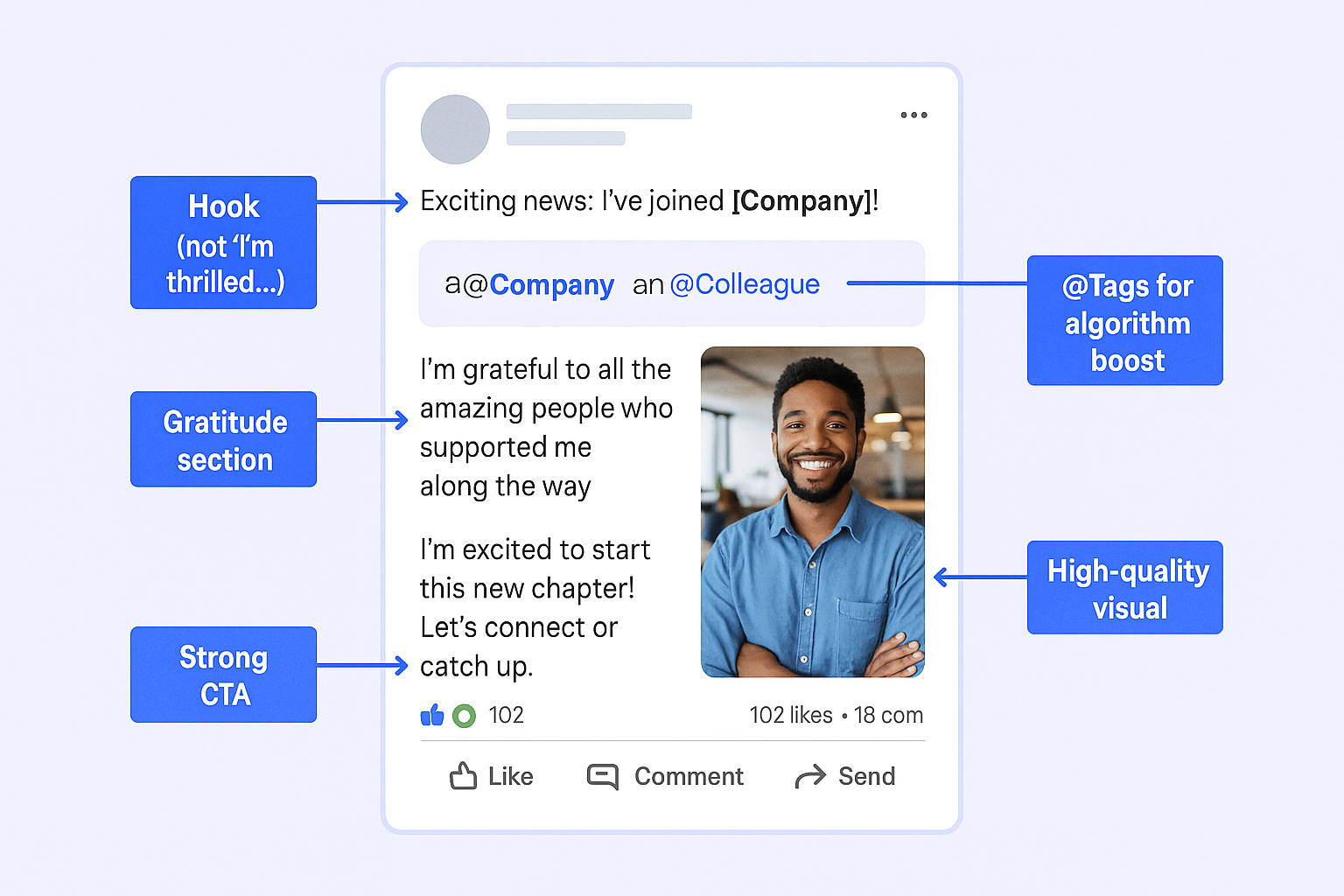
A Hook That Isn’t “I’m thrilled to announce…”
That phrase is the “Hope you’re doing well” of job announcements. It’s invisible. Everyone scrolls right past it.
Your goal is to start with a personal story, a key lesson, or a mission statement.
Strong Hook Examples:
- Story Hook: “Two years ago, I made a decision that changed everything…”
- Mission Hook: “In today’s world, the one thing that matters more than credentials is trust. That’s why I’m so excited to…”
- Gratitude Hook: “I have to start by thanking [Name], who taught me that…”
The “What & Where” (With @Tags)
This part is simple. Clearly state your new role and always @mention your new company.
Example: “That’s why I’m making my next chapter as [Title] with [@NewCompany]!”
Why it’s crucial: Tagging the company links your post to their page and notifies their admins, who may re-share it to the main company feed.
A Moment of Gratitude (The “Algorithm Hack”)
Thank your previous team, mentors from your past, and the new hiring manager or recruiter who helped you.
This is more than just being polite; it’s a technical strategy.
The LinkedIn algorithm loves early, high-quality engagement. When you @tag your old boss, your new manager, and your recruiter, they get a notification. They’re highly likely to like and comment.
These “early engagement signals” from established profiles tell the algorithm, “This is a high-quality post!” The algorithm then boosts your post to a much wider audience.
Don’t just say “thanks to everyone.” @Tag them by name. This simple act of gratitude is your best tool for getting massive, free reach.
A Visual (The Scroll-Stopper)
This is non-negotiable. LinkedIn posts with images get twice the engagement.
What not to use: A blurry, pixelated company logo you saved from Google Images.
What to use: A real photo. Real photos build human connection and trust.
Options:
- A new, professional headshot
- A first-day selfie (even from your home office)
- A (non-confidential) screenshot of the “welcome” slide from onboarding
- A picture of your new work setup or company swag
Technical Spec: What’s the linkedin new position post image size?
Recommended: 1200 x 627 pixels (1.91:1 ratio).
Also Great: 1080 x 1080 pixels (1:1 square). This looks clean and performs very well on mobile.
A Call-to-Action (The Professional’s Signature)
You would never send a professional email without a clear next step, right? So don’t make a LinkedIn post without one.
Your CTA turns a “read-only” post into a “reply-and-engage” post. It’s the entire point of strategic networking.
Weak CTAs: “Excited to see what’s next.” “Follow my journey.”
Strong CTAs:
- The Engagement CTA: “For all the professionals out there: What’s the best piece of advice you have for someone’s first 90 days in a new role?”
- The Networking CTA: “I’m excited to connect with my new colleagues at [@NewCo] and others in the [Industry] space. Please feel free to connect!”
- The Mission CTA: “My new mission is to help companies struggling with [Pain Point]. If that’s you, I’d love to learn more about your world.”
