
Your emails are landing in the promotions tab. Again.
You’ve spent hours crafting the perfect message. You hit send. And then… crickets.
Here’s why: 47% of Gmail users don’t even have the promotions tab enabled. And those who do? They check it maybe once a week during a “cleanup session.”
That means your carefully written email is basically invisible.
But here’s the good news: Getting into the primary inbox isn’t about luck. It’s about understanding how Gmail thinks and making smart decisions about your email setup.
In this guide, you’ll learn exactly why emails land in promotions instead of primary, and more importantly, what you can do about it right now.
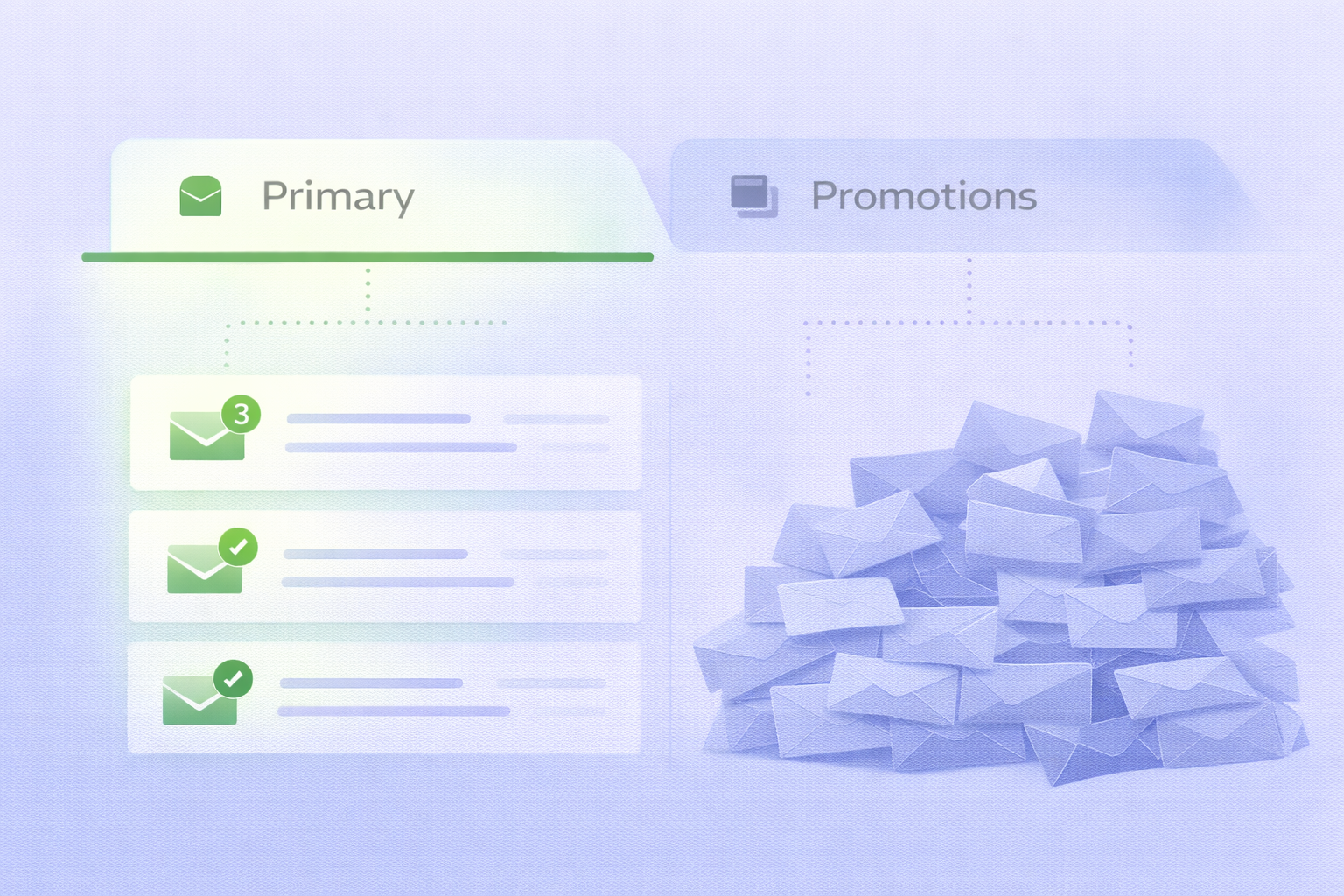
Why Your Emails Land in the Promotions Tab
Gmail isn’t trying to ruin your outreach. It’s trying to protect its users.
Every day, Gmail’s AI analyzes hundreds of signals to decide where your email belongs. It’s looking at technical authentication, engagement history, content patterns, and sender reputation.
Think of it like airport security. If something looks suspicious, you’re getting pulled aside for extra screening.
Here’s what triggers the promotions tab:
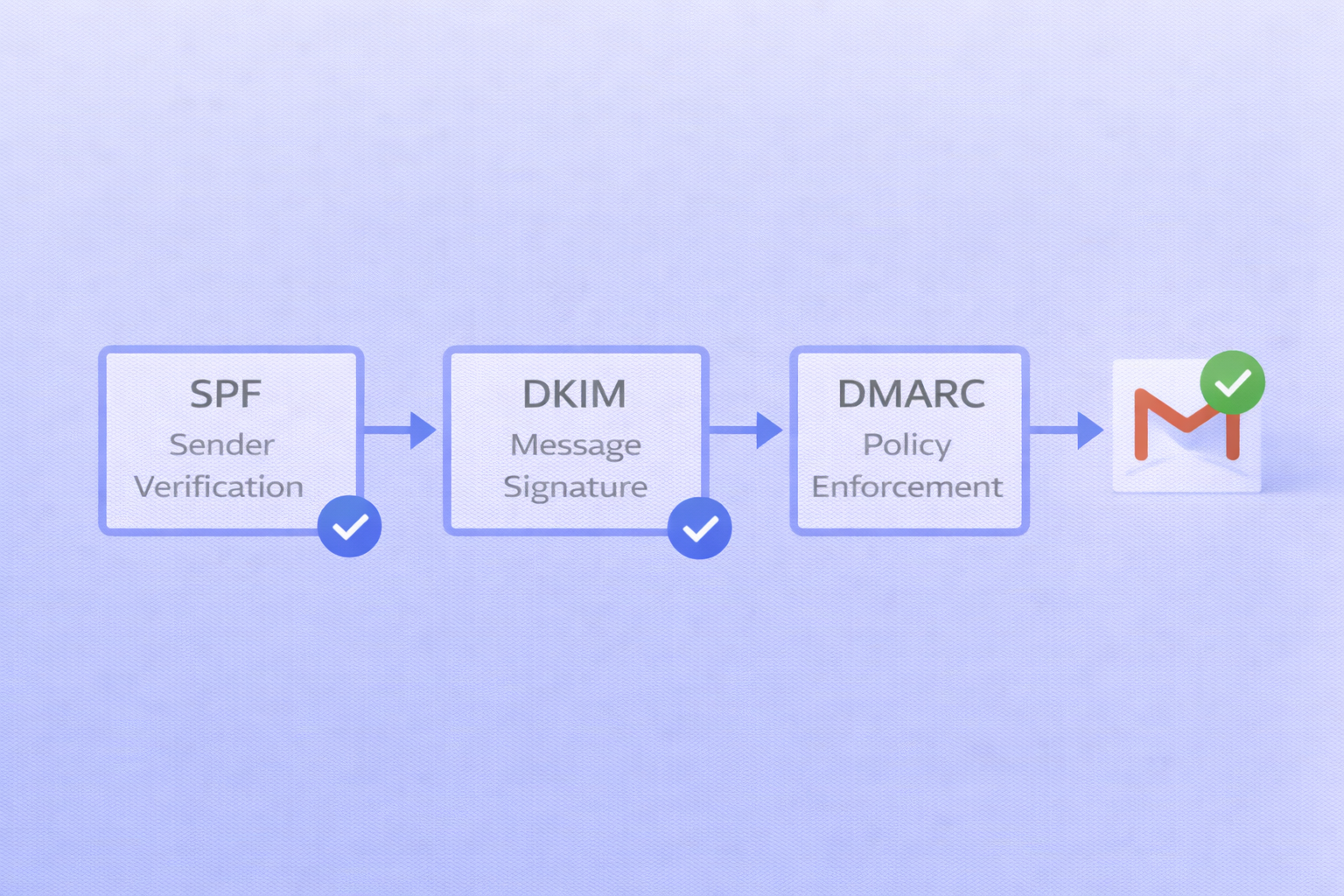
Technical Red Flags Your email infrastructure matters more than you think. Missing authentication records (SPF, DKIM, DMARC) immediately flag you as a potential bulk sender. In 2024, Gmail started strictly enforcing authentication for anyone sending over 5,000 emails daily.
But even if you’re sending less, sloppy technical setup creates problems. Using shared tracking domains from popular tools? That’s a mixed signal that screams “mass marketing.”
Content That Looks Like Marketing Gmail’s algorithm is trained on millions of promotional emails. It knows what they look like.
Heavy HTML templates? Check. Multiple bright images? Check. Four or more links including “unsubscribe”? Check.
Research shows that emails with more than three links are far more likely to get filtered. The fix? Strip it down. Make your email look like it came from a real person, not a marketing department.
Low Engagement Signals This is the big one. If people aren’t opening, clicking, or replying to your emails, Gmail learns that your messages aren’t valuable.
The “Most Relevant” sorting feature introduced in late 2025 prioritizes emails based on time spent reading and reply rates. Messages that generate zero engagement get buried fast.
According to recent data, the average email deliverability rate for cold outreach sits at around 70-85%. But landing in the promotions tab drops your actual visibility to nearly zero.
Content Strategies to Avoid Gmail Promotion Tab
Your technical setup opens the door. Your content walks through it.
Write Like a Human, Not a Marketing Department
The most effective emails in 2025-2026 share one trait: they’re under 80 words.
Short emails do two things. First, they’re mobile-friendly (75% of Gmail opens happen on mobile). Second, they bypass Gmail’s promotional pattern detection.
Compare these two approaches:
❌ “We’re excited to offer you an exclusive opportunity to revolutionize your sales process with our cutting-edge platform. Click here to schedule your personalized demo and unlock your team’s potential.”
✅ “Quick question—how is your team currently handling outbound prospecting?”
The second one feels like it came from a colleague, not a sales team. That’s the goal.
Kill the Links
Every link is a promotional signal. Research shows messages with one or zero links in the first email see 40% higher response rates than messages with multiple links.
Your first email’s job isn’t to get a click. It’s to start a conversation.
Save the calendar link for the second or third message after they’ve replied. This approach not only helps deliverability but also creates more natural rapport.
Subject Lines That Don’t Scream “Marketing”
Generic promotional subject lines trigger filters instantly. Words like “exclusive,” “discount,” “offer,” and “buy now” are red flags.
Instead, reference something specific: “Question about [project name]” or “Saw your post on [topic].”
Personalized subject lines see open rates 26% higher than generic ones according to recent email spam statistics.
Strip Out the Marketing Template
Buttons, background colors, multiple images, social media icons—these all signal “bulk marketing.”
The optimal HTML-to-text ratio heavily favors plain text. Think: black text, white background, maybe one simple logo in your signature.
That’s it.
Behavioral Tactics: Training Gmail to Trust You
Technical setup and content get you in the door. Behavior keeps you there.
Generate Positive Engagement Signals
Every reply tells Gmail: “This is a legitimate conversation.”
That’s why top-performing sequences end with simple questions that invite responses:
- “Does this sound relevant to your situation?”
- “Should I stop reaching out?”
- “Worth a quick chat?”
Even a simple “no thanks” is better than silence. That reply creates a positive signal that helps future emails.
One study found that sender domains with reply rates above 10% maintain “High” reputation status in Google Postmaster Tools consistently.
Ask Recipients to Move You to Primary
This is manual, but it works.
In your first email, include simple instructions: “If this landed in your Promotions folder, could you drag it to Primary? It ensures you don’t miss future updates.”
Mobile users: “Tap this email, hit the three dots, select ‘Move to,’ then ‘Primary.'”
When someone manually moves your email, Gmail remembers. Future messages from your domain go straight to their main inbox. It’s the most durable fix available.
Monitor Your Sender Reputation
Google Postmaster Tools is your report card. Set it up for every domain you send from.
Watch these metrics:
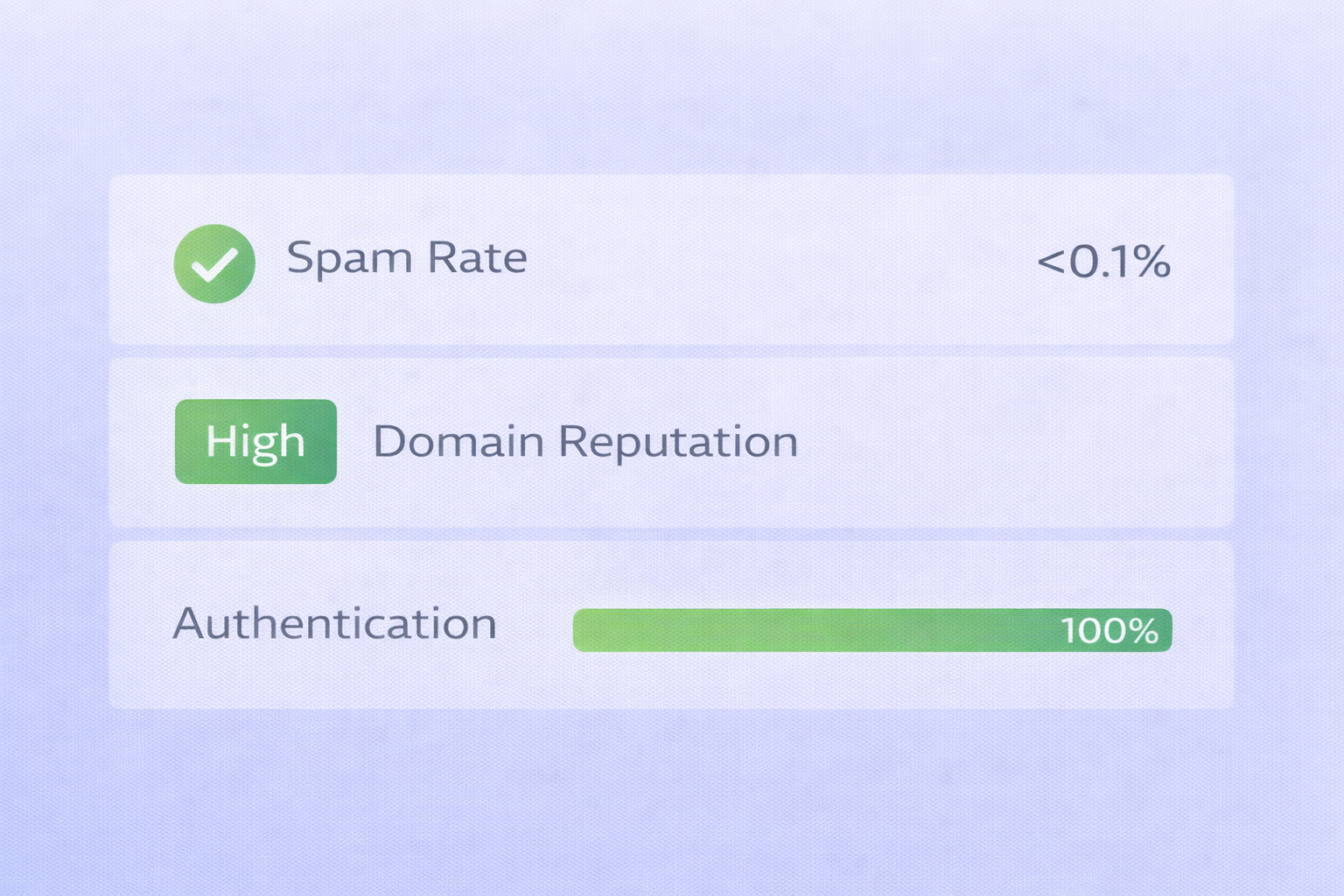
- Spam complaint rate: Stay under 0.1%. Above 0.3% triggers automatic filtering.
- Domain reputation: Anything below “High” means you’re in trouble.
- Authentication rate: Should be 100%. Less than 95% indicates configuration errors.
If you see problems, stop sending immediately and fix the issue. Continuing to send from a damaged domain only makes things worse.
According to lead generation experts, 60% of deliverability problems stem from ignoring sender reputation metrics.
Scaling Without Sacrificing Deliverability
As you grow, maintaining deliverability becomes harder.
The Inbox Rotation Strategy
Never send more than 20-50 messages per day from a single inbox. That’s the volume threshold where Gmail starts looking closely.
Need to reach 1,000 prospects? Spread it across 20 different inboxes. Each one stays under the radar while your total volume scales.
This approach requires multiple domains and proper warm-up for each. But it’s how professional teams maintain high deliverability at scale.
List Hygiene Matters More Than You Think
Sending to invalid email addresses creates hard bounces. Bounces are one of the strongest negative signals for your domain reputation.
Use verification tools before you send. Services like NeverBounce or ZeroBounce cost $0.008-0.01 per email verified. That tiny investment protects your entire domain reputation.
Invalid addresses aren’t just wasted sends—they actively damage your future deliverability.
Target with Intent, Not Just Personas
Generic persona-based lists lead to low engagement. Low engagement leads to filtering.
Instead, focus on intent signals: recent funding rounds, job postings, technology changes, company announcements.
When your message is timely and relevant, people engage. That engagement tells Gmail your emails have value.
Research shows that intent-based targeting can improve response rates by 300% compared to broad persona targeting.
