

- blog
- Sales Development
- GlockApps Review 2025: Features, Pricing & Best Alternatives
LinkedIn Premium Job Seeker: Your Ultimate Guide to Landing Your Dream Job
Table of Contents
Your perfectly crafted cold email lands in spam. Again.
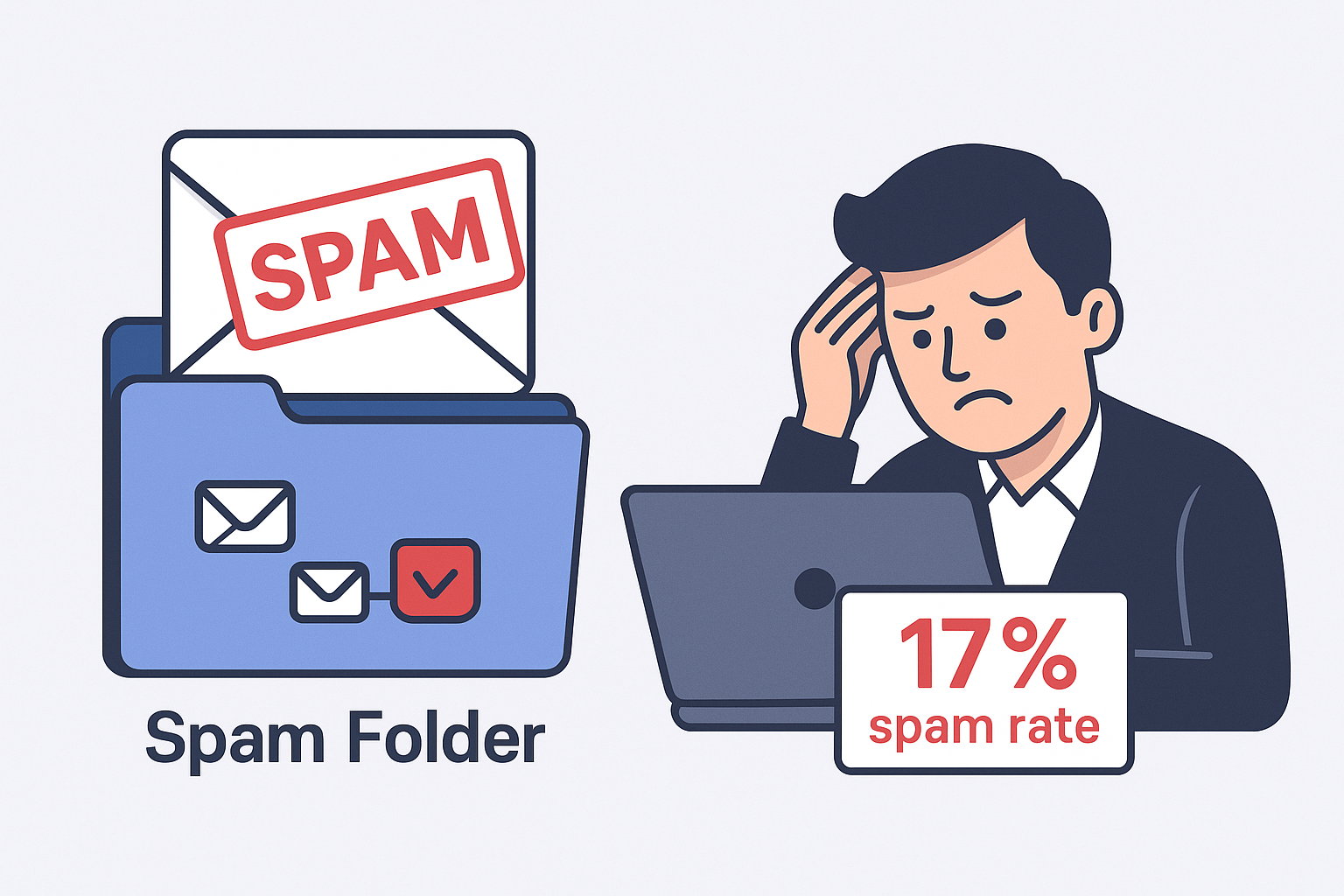
If this sounds familiar, you’re dealing with the harsh reality of modern email marketing. 1 in 6 marketing emails never reach the primary inbox, vanishing into spam folders before your prospects even see them. That’s nearly 17% of your hard work disappearing into a digital black hole.
This isn’t just bad luck—it’s the new normal. Thanks to major inbox changes from Gmail and Yahoo in 2024, the email game has completely shifted. The days of sending thousands of emails and hoping for the best are over. Success now requires technical precision and sender reputation management.
📬 Bypass Email Deliverability Hell
LinkedIn outbound puts your message directly in prospects’ feeds—zero spam filters, authentication, or blacklist risks
This is where email deliverability testing tools like GlockApps come into play. But is it worth your money, or are there better alternatives? Let’s find out.
TL;DR: Is GlockApps Worth Your Money in 2025?
Quick verdict: GlockApps is a solid diagnostic tool for data-driven teams who already have their email infrastructure figured out. However, if you’re just starting with cold outreach or need active reputation building, you’ll get better value from alternatives like MailReach or all-in-one platforms.
Best for: Established sales teams needing detailed deliverability diagnostics
Skip if: You’re a solo sender or need automated inbox warming
Price: $59-$129/month (annual billing)
Rating: 4.2/5 stars (based on user reviews across platforms)
Full Breakdown of GlockApps’ Features
Think of GlockApps as a doctor for your emails. It doesn’t cure problems automatically—it diagnoses what’s wrong so you can apply the right fix. The platform centers around three core features:
Inbox Insight: Your Email’s Crystal Ball
This is GlockApps’ flagship feature and what you’ll use most often. Here’s how it works:
Seed List Testing: You send your email draft to a special GlockApps address. The platform forwards it to over 70 real inboxes across Gmail, Outlook, Yahoo, and other major providers. You get a detailed report showing exactly where your email landed: Primary inbox, Promotions tab, or Spam folder.
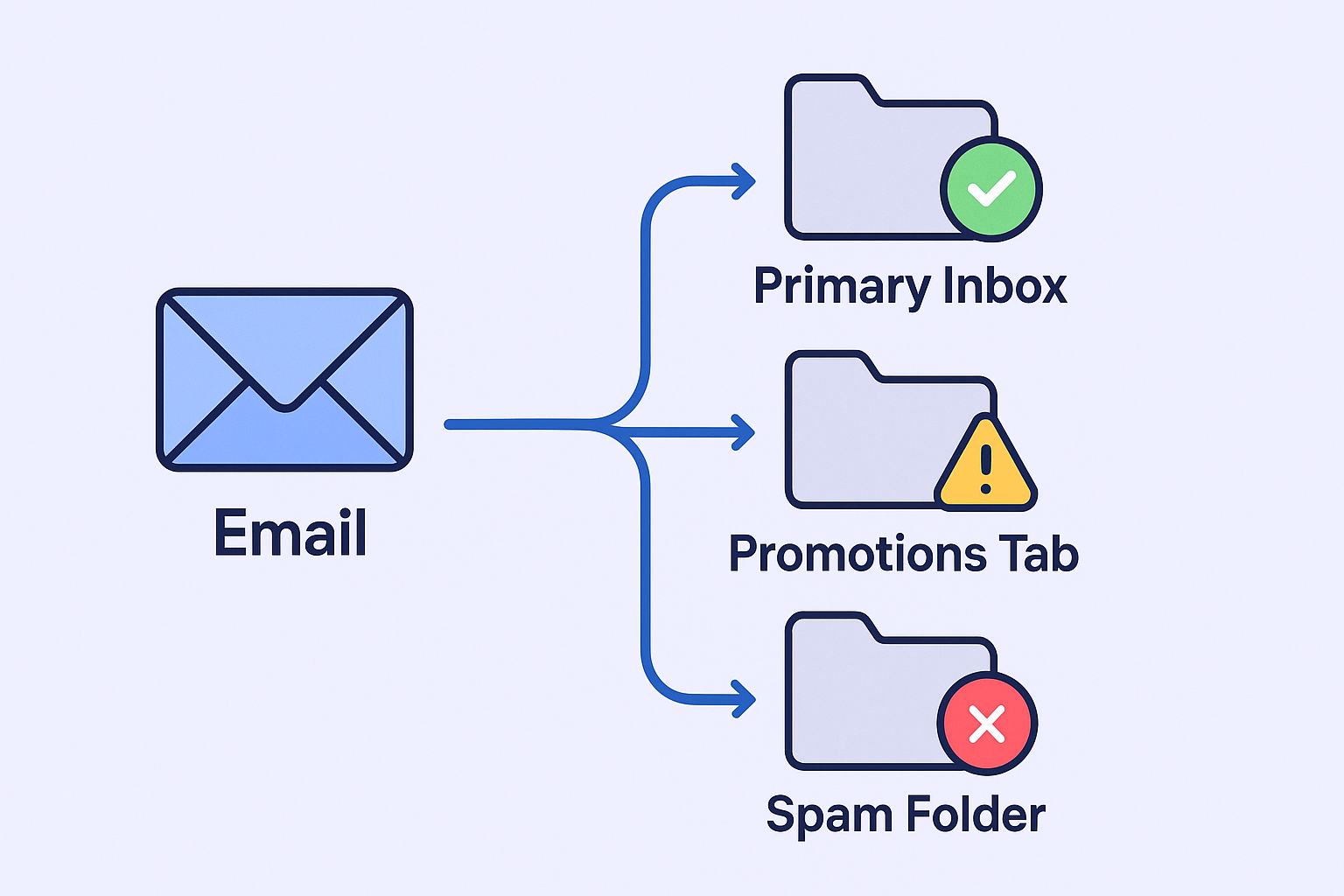
What makes this valuable: Instead of “send and pray,” you get a real-world preview of your campaign’s fate. You can A/B test different subject lines or email copy to see which version performs better before risking your sender reputation.
Spam Score Analysis: Beyond inbox placement, the tool runs your email through major spam filters including Google Spam Filter, Barracuda, and SpamAssassin. You get a detailed breakdown of what might be triggering spam flags—whether it’s specific words, broken links, or poor formatting.
DMARC Analytics: Your Domain’s Security Guard
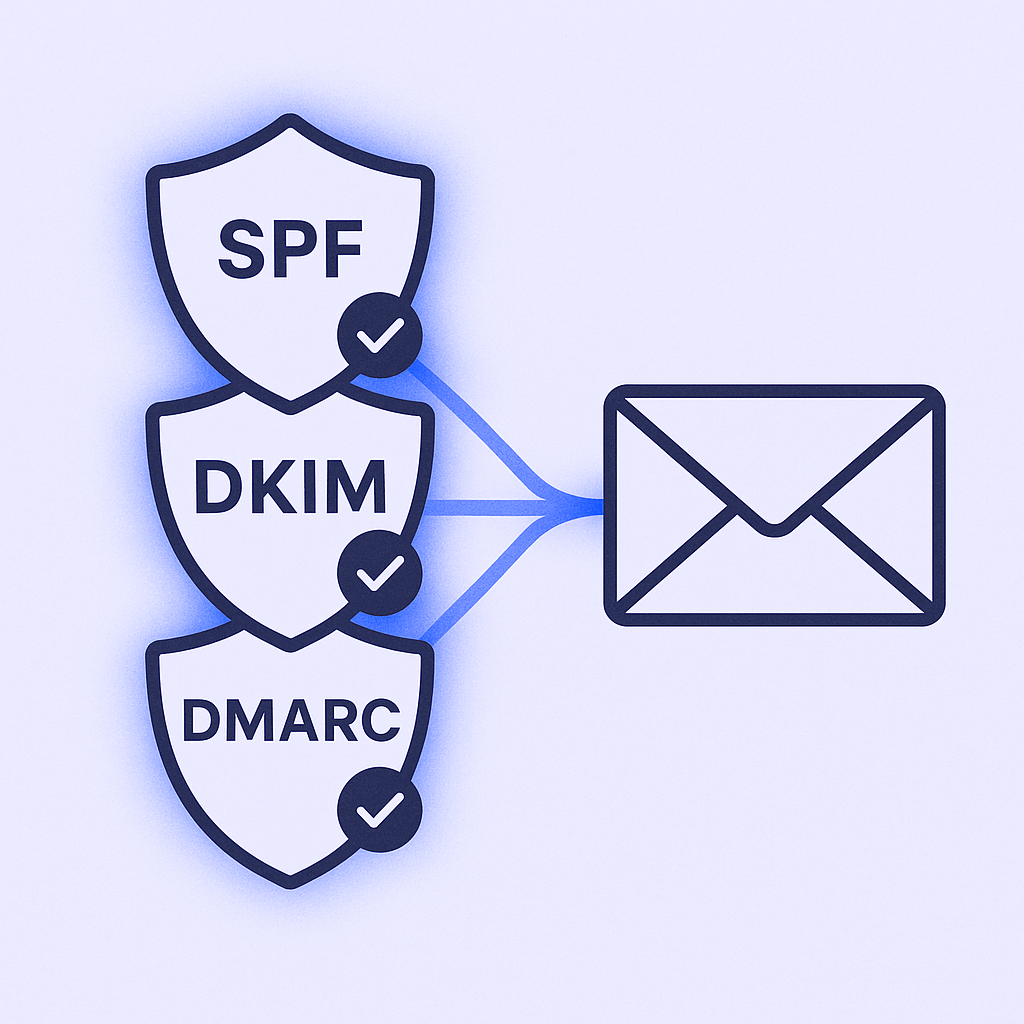
Email authentication isn’t optional anymore. In 2025, proper SPF, DKIM, and DMARC setup is baseline for deliverability.

🎯 Zero Technical Setup Required
Our LinkedIn outbound engine handles targeting, campaign design, and scaling—no DNS records, no warm-up, no deliverability nightmares
What it monitors: GlockApps provides a user-friendly dashboard to track these complex DNS records. It alerts you immediately if something breaks that could hurt your sender reputation.
Why this matters: Data shows proper authentication can boost inbox placement by 20-30%. Nearly 58% of businesses are now authenticating their domains to stay compliant with new provider requirements.
Uptime & Blacklist Monitoring: Your Reputation’s Safety Net
This feature works like a smoke alarm for your email reputation. It constantly monitors over 50 major blacklists to ensure your domain or IP addresses haven’t been flagged.
The value: Getting blacklisted means your emails get automatically rejected or sent to spam. Early detection lets you stop sending immediately and begin the delisting process before permanent damage occurs.
Pros and Cons of GlockApps
What Users Love
Detailed, Actionable Reports: This consistently gets the highest praise. Users appreciate the visual reports that clearly show where emails land and provide concrete improvement tips. One agency head noted GlockApps “removed the guesswork” from navigating 2024’s deliverability changes.
Comprehensive Monitoring: Teams value having spam testing, blacklist monitoring, and authentication checks in a single dashboard for a complete view of their email health.
Effective Problem Solving: Many users credit the tool with providing insights needed to fix critical issues and improve sender reputation, leading to better campaign results.
What Users Dislike
Aggressive Upselling: Multiple reviews mention concerns about the consulting service being more focused on upselling than problem-solving. Some users reported difficulty getting refunds despite money-back guarantees.
Complexity for Beginners: A common critique is that the tool isn’t beginner-friendly. It provides extensive data but requires expertise to interpret and implement fixes.
Customer Support Issues: Some users cite slow support response times and frustrating billing verification processes, including requests for photo IDs and bank statements for plan upgrades.
Limited Gmail Granularity: At least one reviewer noted lack of detail on Gmail placement specifics (Primary vs. Promotions vs. Social tabs), which is crucial information for most senders.
GlockApps Pricing Plans
All prices below reflect annual billing, which offers 30% savings over monthly payments:
Plan | Monthly Cost | Tests/Year | Sending Accounts | Best For |
Free | $0 | 2 (one-time) | 1 | Quick one-off testing |
Essential | $59 | 360 | 1 | Solo consultants |
Growth | $99 | 1,080 | 10 | Small teams (2-5 people) |
Enterprise | $129 | 1,800 | 20 | Large organizations |
Pricing Analysis
Free Plan: Good for a single diagnostic check but not practical for ongoing outreach.
Essential Plan ($59/mo): Limited to one sending account, making it impractical for teams needing to monitor multiple mailboxes.
Growth Plan ($99/mo): The sweet spot for serious sales teams. Supporting 10 sending accounts with 1,080 annual tests (90 per month) provides enough capacity for regular campaign testing and health monitoring.
Enterprise Plan ($129/mo): Built for scale with higher limits suitable for large organizations or agencies managing multiple clients.
The pricing structure reveals GlockApps’ diagnostic focus—you pay per test rather than per mailbox like warm-up tools, encouraging strategic high-impact checks rather than constant monitoring.
💰 Stop Paying for Email Problems
LinkedIn outbound delivers consistent meeting bookings without deliverability tools, warm-up services, or technical headaches—complete targeting and campaign strategy included
What are Real Users Saying About GlockApps?
User reviews show a notable split: 4.7/5 stars on Capterra but 3.7/5 stars on G2. This gap suggests value depends heavily on user expectations and technical comfort level.
Positive Feedback Highlights
“Game-changer for email deliverability” – Marketing Director
Users consistently praise the detailed reporting that eliminated guesswork from their email strategy.
“Finally understand why our emails weren’t converting” – Sales Manager
Many teams discovered that single words or formatting issues were tanking their campaigns.
“Saved us from a major blacklisting incident” – Operations Lead
The monitoring features helped teams catch and resolve issues before they caused serious damage.
Critical Feedback Points
“Great tool, pushy sales tactics” – Multiple users mentioned aggressive consulting upsells that felt more sales-focused than helpful.
“Steep learning curve” – Several reviewers noted the tool requires significant expertise to maximize value.
“Support could be better” – Some users experienced slow response times and cumbersome verification processes.
Is There a Better GlockApps Alternative on the Market?
The email deliverability tool landscape breaks into three main categories:
Diagnostic & Testing Tools
Examples: GlockApps, Litmus, MailTester
Purpose: Answer “Why are my emails landing in spam?”
Best for: Teams that want detailed analysis and have technical resources to implement fixes
Reputation Improvement Tools
Examples: MailReach, Warmup Inbox, Instantly
Purpose: Actively warm domains and improve sender scores
Best for: New senders or those with damaged reputations who need active improvement
All-in-One Outreach Platforms
Examples: Saleshandy, Snov.io, Salesso
Purpose: Handle entire cold outreach workflow with basic deliverability features
Best for: Teams wanting streamlined operations with “good enough” built-in diagnostics
Key Comparisons
GlockApps vs. MailReach: MailReach actively improves your reputation through automated warming activities. GlockApps measures the results. Smart teams often use both—MailReach for daily reputation building and GlockApps for strategic diagnostics.
GlockApps vs. Saleshandy: Saleshandy offers an all-in-one platform with integrated “Inbox Radar” deliverability testing. Less powerful than GlockApps but more convenient for teams wanting everything in one place.
GlockApps vs. Salesso: Salesso provides a complete cold email solution combining email finding, verification, warming, and sending with built-in deliverability optimization. Better value for teams needing end-to-end cold outreach capabilities.
Final Verdict: Is GlockApps Really Worth it in 2025?
The answer depends entirely on your team’s maturity and specific needs.
Choose GlockApps IF You:
- Run a data-driven sales team that wants to scientifically optimize email performance
- Already have email warm-up processes and need to measure effectiveness
- Have technical team members who can interpret reports and implement recommendations
- Experience sudden drops in reply rates and need powerful diagnostic capabilities
Consider Alternatives FIRST IF You:
- Are a solo sender or small team just starting with cold outreach (try MailReach or Warmup Inbox first)
- Want a simple, all-in-one platform for your entire outreach process (consider Saleshandy or Salesso)
- Have limited budget and need to prioritize active improvement over diagnostics
- Lack technical resources to implement complex recommendations
Our Recommendation
For mature, scaling sales teams: Use both a warm-up tool for daily reputation maintenance AND a diagnostic tool like GlockApps for strategic health checks
🚀 Or Switch to LinkedIn Outbound
Skip the entire email deliverability stack—our complete LinkedIn outbound methodology includes targeting, campaign design, and proven scaling systems
7-day Free Trial |No Credit Card Needed.
For growing teams: Start with an all-in-one solution like Salesso that includes email finding, warming, and sending with built-in deliverability optimization. Add specialized tools like GlockApps later when you need deeper diagnostics.
FAQs
Q: Is GlockApps worth the money for a sales team?
Q: What is the best GlockApps alternative?
Q: Does GlockApps automatically improve my open rates?
Q: How many tests do I need for cold email campaigns?
Q: Can GlockApps replace my email warm-up tool?
Scale Your LinkedIn Outbound Like the Top 1%
Share your current approach. We’ll show you exactly how to 10X your qualified conversion
Segmentation That Actually Converts
LinkedIn outbound targets precise demographics with strategic campaign design and scaling methods