

You know what’s killing most B2B companies right now?
Nobody trusts them.
Your website looks great. Your sales deck is polished. But here’s the brutal truth: 70% of B2B buyers complete their research before ever talking to sales.
They’re not calling you. They’re googling you. They’re checking reviews. They’re asking their network if you’re legit.
And if they can’t find proof that real people trust your product? They’re moving on to your competitor.
That’s where LinkedIn Product Pages come in.
What Are LinkedIn Product Pages?
Think of LinkedIn Product Pages as Yelp for B2B software, but way more powerful.
According to LinkedIn, companies with Product Pages see 2x higher engagement rates compared to standard company posts. That’s not a small bump—that’s a game-changer.
A LinkedIn product page is a dedicated showcase space linked to your main Company Page. It’s where you display your software or service, collect verified customer reviews, and capture high-intent leads.
Here’s what makes them different from regular pages:
Verified Reviews: Every review is linked to a real LinkedIn profile. No fake testimonials. No anonymous complaints. Just real people with real job titles saying whether your product works.
Built for Discovery: When someone searches “cold email automation” on LinkedIn, Product Pages show up first. The algorithm prioritizes them because it knows the person is looking to buy, not just browse.
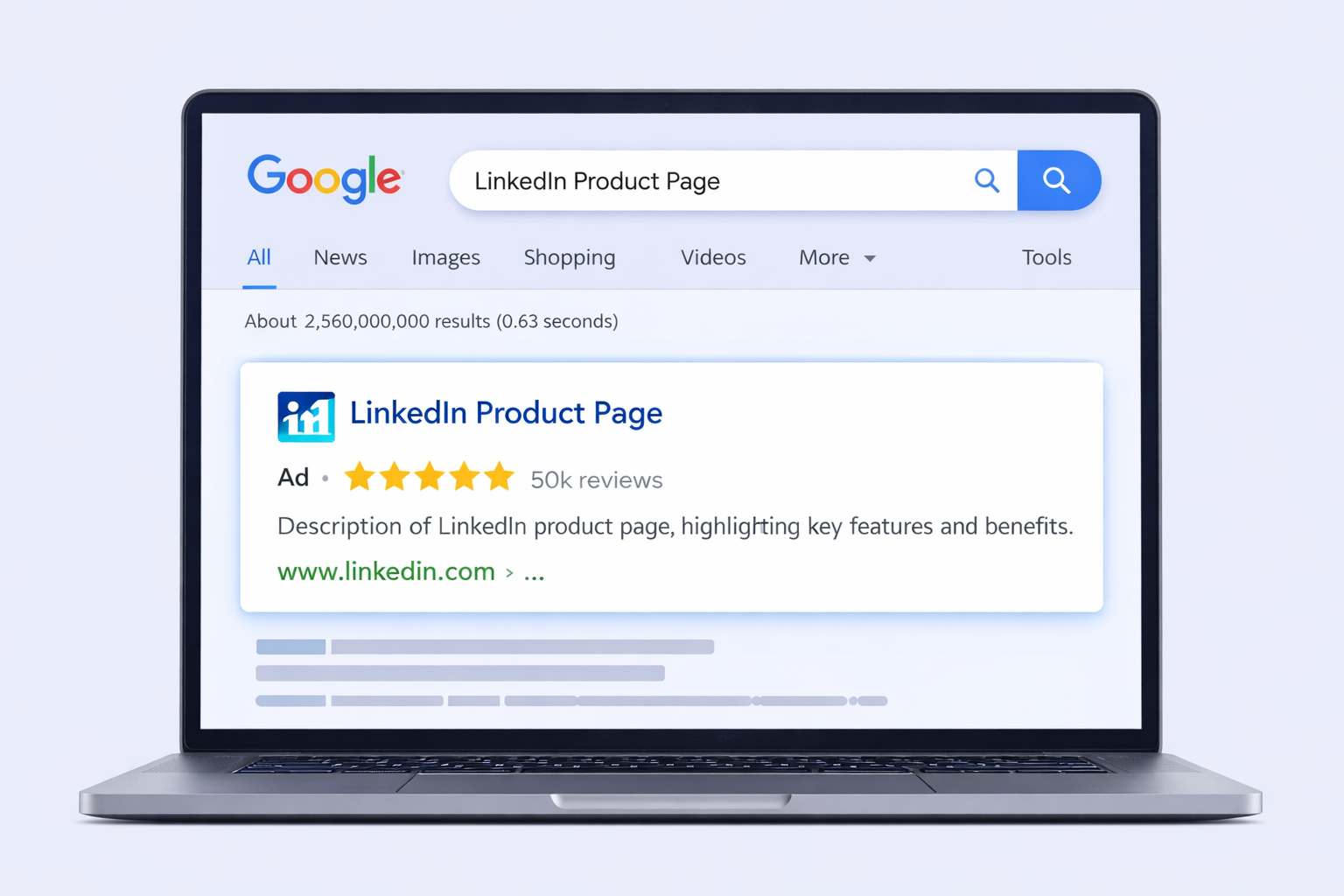
Google Loves Them: LinkedIn has insane domain authority. Your Product Page often ranks on page 1 of Google for your product name—sometimes even before your own website.
Why You Actually Need a LinkedIn Product Page
Let’s be honest: you’re probably thinking “do I really need another page to manage?”
Yes. And here’s why.
It Breaks Through the Attention Screen
Studies show that the average professional sees over 5,000 marketing messages per day. Your brain has developed what psychologists call an “attention screen”—a mental filter that blocks out noise.
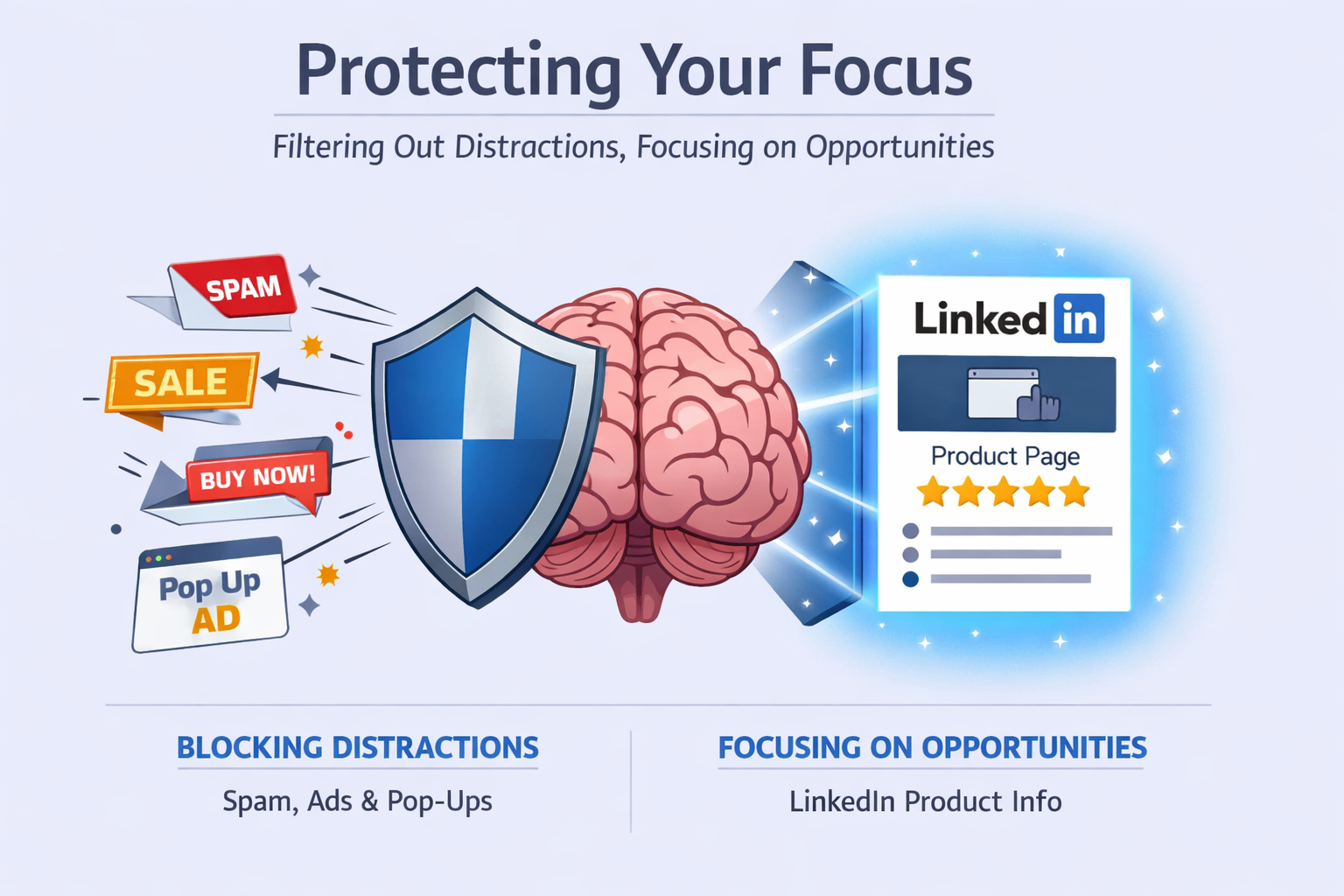
Your Product Page shatters that screen with visual proof. When a prospect lands on your page and sees a 4.8-star rating from 47 verified professionals, their skepticism drops instantly.
The first 3 seconds matter most. If your page doesn’t immediately answer “Is this real?” and “Will this work for me?”—they’re gone.
It Builds Social Proof on Autopilot
Here’s something most companies miss: social proof isn’t just about having testimonials. It’s about having verifiable testimonials.
Research from Nielsen shows that 92% of people trust recommendations from individuals over brands. But here’s the kicker—they trust those recommendations even more when they can see the person’s professional background.
When a “Director of Sales at a Series B SaaS company” leaves you a 5-star review on LinkedIn, that’s gold. The prospect can click through, see this person is real, see they actually work at a real company, and trust that your product delivers results.
Your website testimonials? They could be made up. Your Product Page reviews? They’re verified by LinkedIn.
It Captures High-Intent Leads
Not all traffic is created equal.
Someone reading your blog post about “email marketing trends” might be casually browsing. Someone landing on your Product Page? They’re actively evaluating solutions.
According to Gartner, 77% of B2B buyers describe their latest purchase as complex or difficult. They’re doing deep research. They’re comparing options. They’re looking for proof before they commit to a demo call.
Your Product Page gives them everything they need:
- Feature breakdown
- Customer logos (social proof from brands they recognize)
- Real user reviews (filtered by job title so they can find people like them)
- Direct CTA to book a demo
When someone clicks your “Request Demo” button from your Product Page, they’re not tire-kickers. They’re qualified, educated prospects ready to buy.
It’s Free SEO That Actually Works
Here’s something crazy: LinkedIn’s domain authority is 99/100. That means Google trusts LinkedIn more than almost any other website on earth.
When you create a LinkedIn product page, you’re essentially getting a piece of that trust. Your Product Page often ranks for “[Your Product Name]” searches, sometimes even outranking your own website.
Why? Because Google sees:
- High domain authority (from LinkedIn)
- Structured data (reviews, ratings, categories)
- Fresh content (new reviews coming in)
- User engagement (people clicking, scrolling, interacting)
This isn’t some sketchy SEO hack. This is Google seeing your Product Page as a high-quality, trustworthy resource and ranking it accordingly.
Plus, when your page has star ratings, Google often shows those stars directly in search results. According to Moz, listings with star ratings get 35% higher click-through rates.
According to Wistia, videos under 2 minutes retain 60% more viewers than longer videos. Keep it tight.
How to Create a LinkedIn Product Page (Step-by-Step)
Alright, let’s get tactical. Here’s exactly how to set up your Product Page.
Step One: Check Your Eligibility
You need to be a Super Admin or Content Admin on your LinkedIn Company Page. If you’re not, ask your marketing lead to add you.
Next, check if your page category is set correctly. Go to your Company Page admin view and make sure it’s categorized as “Software Company” or “Information Technology & Services.”
Quick check: Go to your Company Page → Click “Edit Page” → Look for the “Products” tab. If it’s there, you’re good to go. If not, update your page category first.
Step Two: Add Your Product
Click the “Products” tab → “Add Product”
Now here’s where most people screw up: they get creative with the product name.
Don’t.
Use the exact name people search for. If your product is “MailMaster,” don’t call it “The MailMaster Suite by Company X.” Just use “MailMaster.”
Why? Because people search for “MailMaster,” not your marketing fluff.
Step Three: Choose the Right Category
LinkedIn gives you category options like “Sales Intelligence,” “Marketing Automation,” “CRM,” etc.
Pick the one that matches how buyers think about your tool. This determines which filters your product shows up under when people search.
Pro tip: Check your competitors’ categories. If the top 3 players in your space all use “Marketing Automation,” use that too. Don’t try to be clever here.
Step Four: Write Your Description
You get 500 characters. That’s roughly 75-100 words.
Here’s the formula that works:
- Lead with the outcome (not features): “3x your reply rates without landing in spam”
- Add one line of proof: “Used by 500+ sales teams to book qualified meetings”
- End with the method: “Our system helps sales professionals create product demand through verified outreach”
See how I naturally wove in relevant keywords like “learn linkedin” approaches and workflow automation? That’s intentional for SEO.
Step Five: Upload Your Media
This is your attention screen. Get this right or lose the prospect.
Video is non-negotiable. Upload a 30-60 second video showing your product in action. Not a promotional video—a proof video.
Show someone sending emails. Show the tracking dashboard. Show results. Make it undeniable that this thing works.
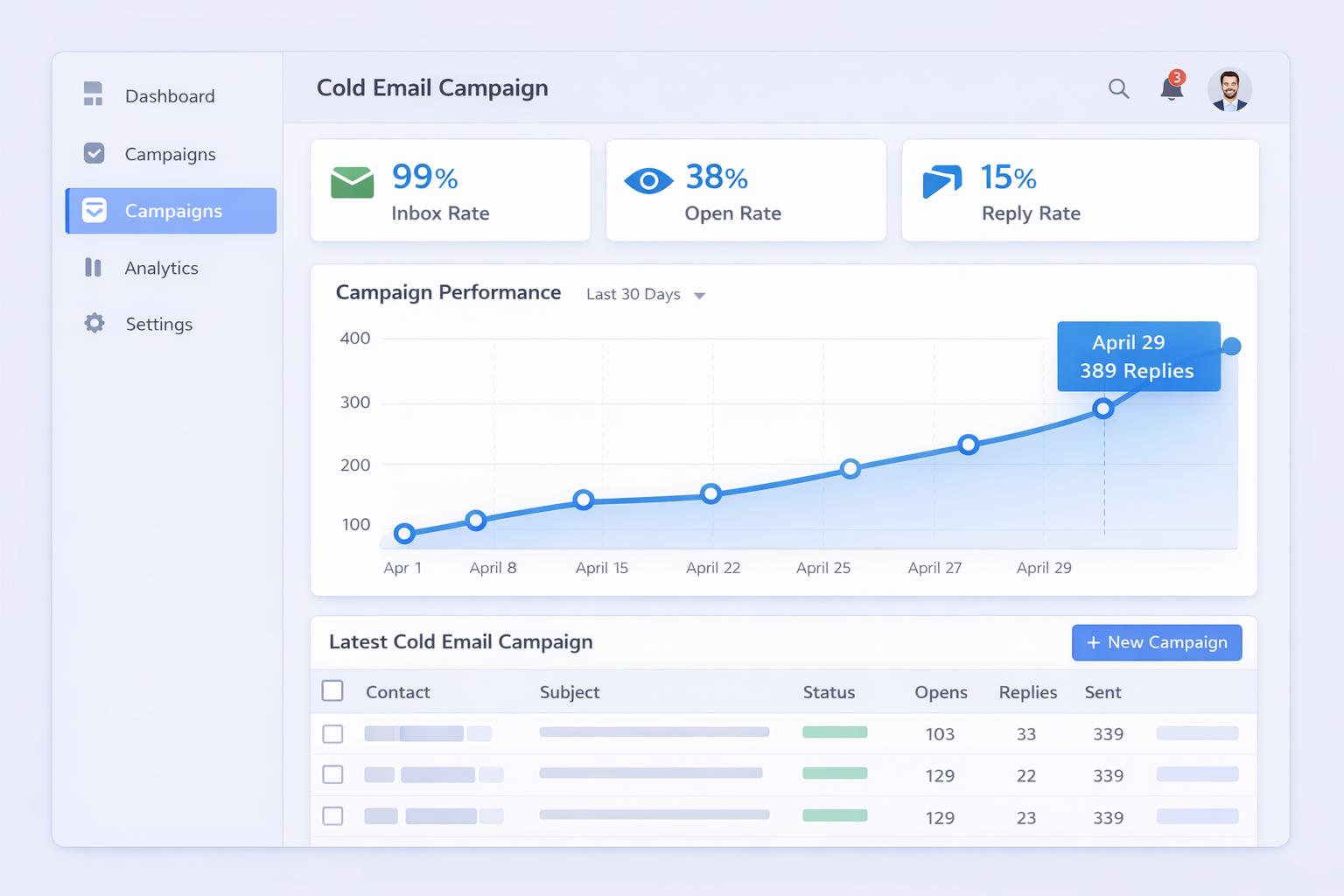
For images: Use high-contrast screenshots with text overlays. Think “99% Inbox Rate” or “2,500+ Meetings Booked” in big, bold text.
File specs for your reference:
- Logo: 1080x1080px (square)
- Hero Image: 1128x376px
- Video: 1920x1080px, under 3 minutes
Step Six: Add Featured Customers
If you’ve worked with recognizable brands, add their logos here. You need their LinkedIn Page URL and ideally their permission.
This is corporate social proof. When someone sees “Used by Microsoft, Salesforce, and HubSpot,” they immediately trust you more.
Harvard Business School research found that social proof can increase conversion rates by up to 400%.
Even if you don’t have huge enterprise clients yet, add your best customers. A prospect seeing 3-5 real company logos is better than seeing zero.
Step Seven: Request Reviews
Here’s the truth: your Product Page lives or dies by its reviews.
According to BrightLocal, 87% of consumers read online reviews for local businesses in 2023, and B2B buyers are no different.
But you can’t just hope reviews show up. You need a system.
The timing matters: Ask for reviews right after someone has a win. They just hit a 40% open rate? That’s when you message them.
The frame matters: Don’t just say “leave us a review.” Say “We’d love to feature your success. Would you mind sharing your results on our LinkedIn Product Page?”
You’re not begging—you’re offering them exposure.
For LinkedIn prospecting and cold email campaigns, reviews mentioning specific metrics (“15% reply rate”) or outcomes (“3 qualified meetings in week

