

You’re juggling multiple tabs again. LinkedIn in one. Salesforce in another. Maybe a spreadsheet somewhere in between.
You research a prospect on LinkedIn Sales Navigator, find gold, then manually copy-paste their info into Salesforce. You send an InMail, then remember 10 minutes later to log it as a task. By the end of the week, your CRM looks like Swiss cheese—full of holes.
Here’s the reality: Sales reps spend only 30% of their time actually selling. The rest? Buried in admin work, tool-switching, and data entry.
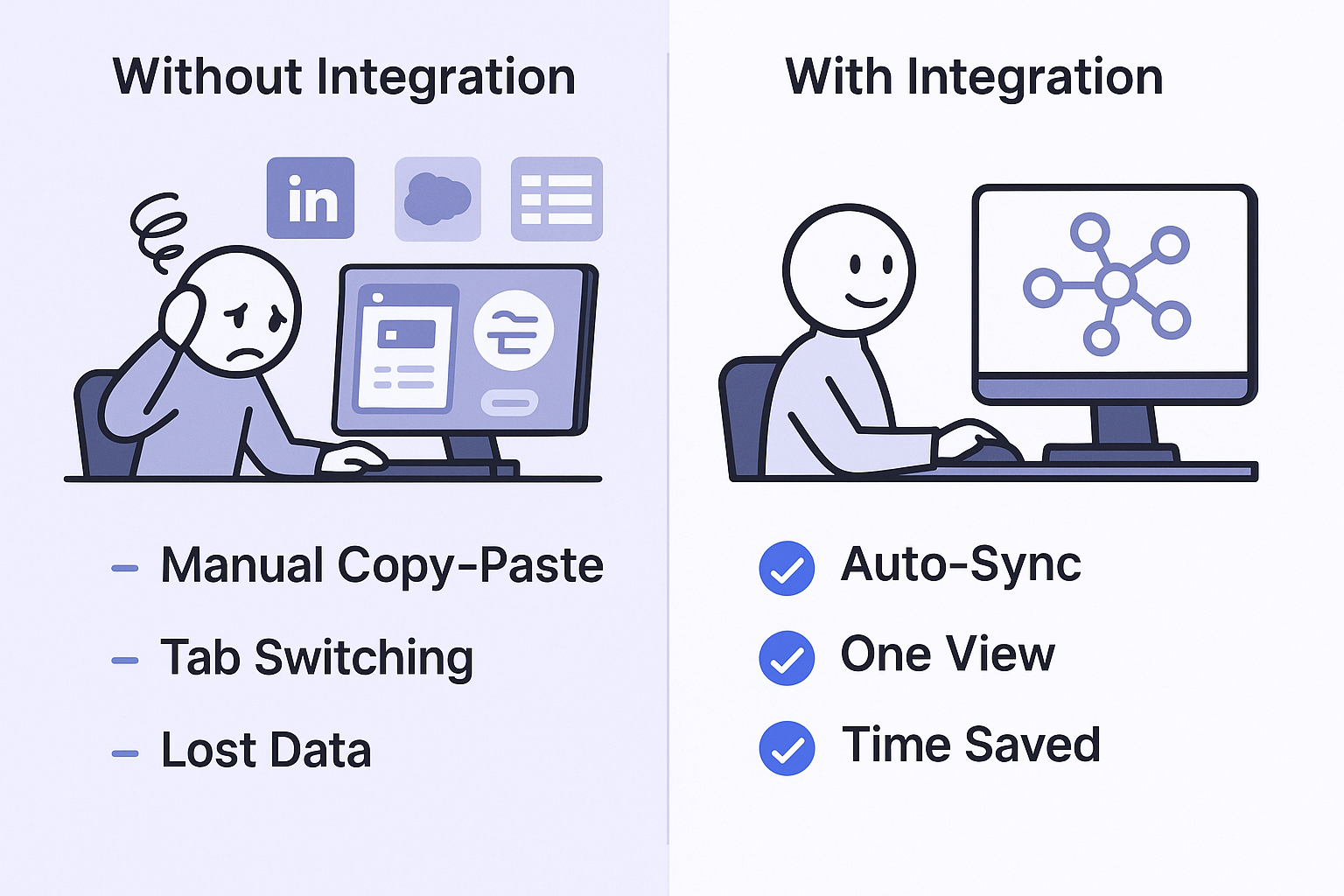
The linkedin sales navigator integration with salesforce promises to fix this mess. But does it actually work? And more importantly—is it worth the setup hassle?
This guide cuts through the noise. You’ll learn exactly what this integration does, how to set it up (or ask your admin to), and whether it’s the right move for your sales process. No fluff. Just the facts you need to decide in the next 5 minutes.
Prerequisites
Before you get excited, let’s make sure you can actually use this integration. Nothing’s worse than reading a 10-minute guide only to discover you don’t have the right licenses.
Check these three requirements right now:
Your LinkedIn License: You must have LinkedIn Sales Navigator Advanced or Advanced Plus. If you’re on the base “Core” plan, this integration won’t work. Period. This is the #1 reason sales teams get frustrated when their activities don’t sync.
Your Salesforce Edition: You need Salesforce Enterprise, Performance, Unlimited, or Developer edition. Professional edition might work if your admin has API access enabled—but that’s often an additional cost.
Your Admin Access: You can’t install this yourself. You need a Salesforce Admin to set everything up from the AppExchange.
Still with me? Great. You’ve passed the first hurdle.
ntroduction to Salesforce
Think of Salesforce as your source of truth. It’s where your manager checks your pipeline. It’s where deals officially exist. It’s where every activity gets logged (or should be logged).
The problem? Salesforce is static. It only knows what you manually tell it. It can’t see what prospects are posting on social media. It can’t tell you which of your colleagues is connected to your target buyer. It’s a fortress, but it’s missing the human intelligence layer.
Introduction to LinkedIn Sales Navigator
This is your prospecting and research powerhouse. With over 1 billion members, Sales Navigator helps you find the right decision-makers and understand their social context.
You can see who they’re connected to, what they’re talking about, and what they care about. It’s social intelligence at scale. The sales navigator platform turns cold outreach into warm conversations.
But here’s the catch: All that valuable data lives in LinkedIn. Your official records live in Salesforce. They’re two disconnected worlds.
That’s where the salesforce linkedin integration changes everything.
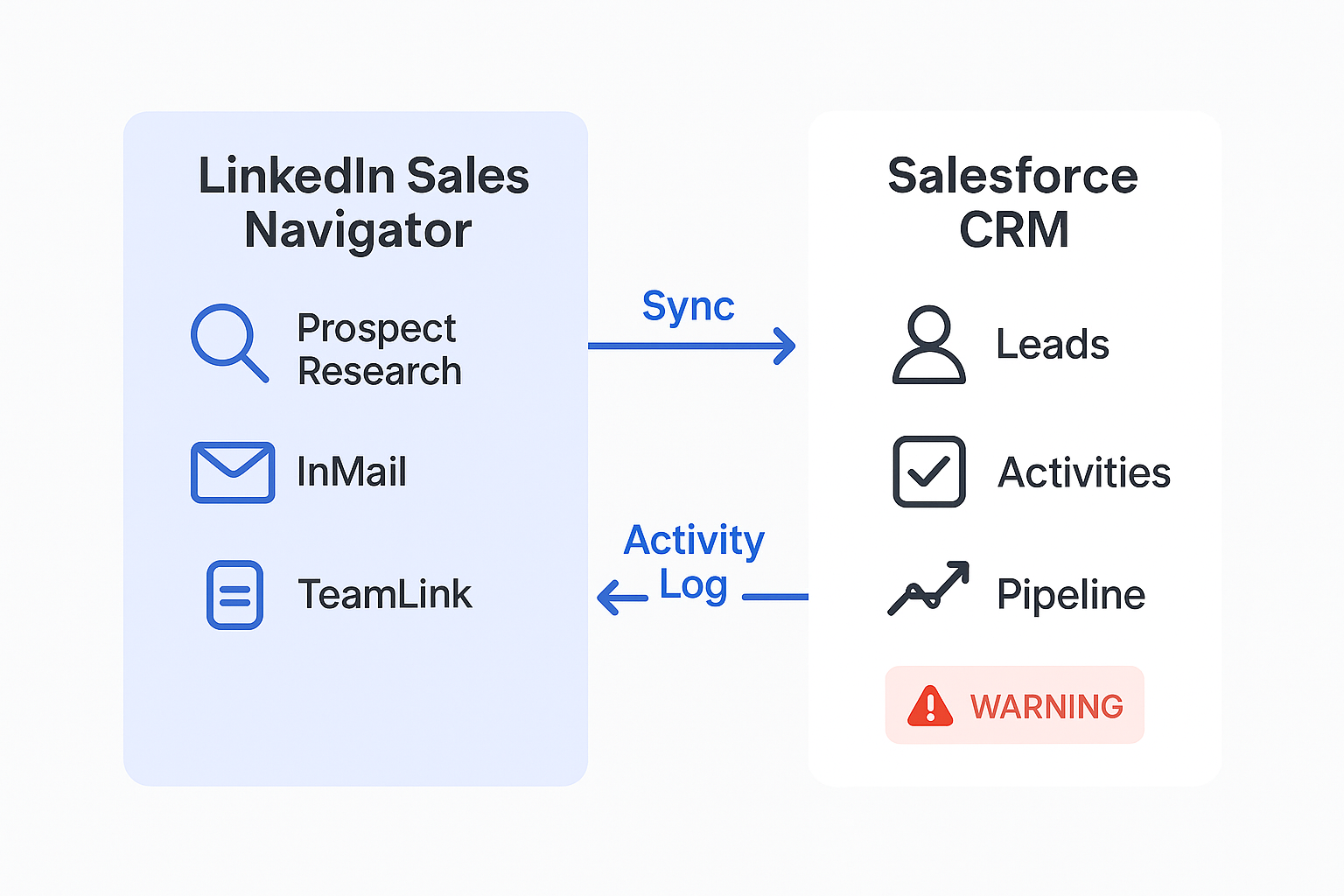
It embeds LinkedIn’s real-time social data directly into Salesforce. No more tab-switching. No more copy-pasting. Just one unified workflow where your CRM gets smarter with human context.
Steps to Set Up the LinkedIn Sales Navigator Salesforce Integration
Look, you’re probably not going to be the one in the Salesforce Setup menu. That’s your admin’s job. But knowing what to ask for makes you look smart and saves everyone time.
Here’s what your Salesforce Admin needs to do:
Install the AppExchange Package Your admin installs “LinkedIn Sales Navigator for Salesforce” directly from the Salesforce AppExchange. It’s an official package, so installation is straightforward.
Assign Permissions They need to assign permissions for the “LID” Apex/Visualforce pages to your sales team profiles. Without this step, you won’t see any LinkedIn components in your CRM.
Add LinkedIn Components to Page Layouts The admin drags new LinkedIn components (like “LinkedIn Member Profile” and “TeamLink”) onto your Lightning page layouts. These show up on your Lead, Contact, Account, and Opportunity pages.
Enable CRM Sync and Activity Writeback This is critical. Your admin must log into the Sales Navigator Admin Settings page (on LinkedIn’s side) and turn on “CRM Sync” and “Activity Writeback.” This is what makes activities automatically flow into Salesforce.
Pro tip: Most integration problems stem from missing this last step. If your InMails aren’t logging, this is probably why.
Want to make your admin’s life easier? Copy-paste this into an email:
Subject: LinkedIn Sales Navigator Integration Request
Hey [Admin’s Name],
Could you please install and configure the LinkedIn Sales Navigator for Salesforce app from the AppExchange?
We need it to get LinkedIn profile data, TeamLink, and activity logging directly on our Lead, Contact, Account, and Opportunity pages.
Based on my research, the key steps are:
- Install the AppExchange package
- Assign permissions for the “LID” Apex/Visualforce pages to our Sales Team profiles
- Drag the new LinkedIn components onto our Lightning page layouts
- Enable CRM Sync and Activity Write-back from the Sales Navigator Admin Settings page
Let me know when it’s done. Thanks!
That’s it. While they handle the backend, let’s talk about what this actually does for you.
Benefits of LinkedIn Sales Navigator Salesforce Integration
Alright, the tech is set up. Now for the good stuff: How does this actually help you close more deals?
See Everything in One Place
Open any Lead or Contact record in Salesforce. You’ll immediately see their embedded LinkedIn profile—photo, job title, recent posts, shared connections—right where you work.
No more “Is this the right person?” moments. You can research and qualify in seconds. Companies using sales navigator integration report 17% higher win rates compared to those who don’t.
Automatic Activity Logging
Here’s where it gets powerful. You can now send InMails and Connection Requests directly from Salesforce. When you do, it automatically logs that activity back to the Salesforce record as a task.
Your manager is happy. Your activity metrics are perfect. And you just saved 30 seconds per prospect. That’s 65 hours per year for the average rep who touches 100+ prospects weekly.
One-Click Lead Creation
Using the Advanced Plus plan? You can find a new prospect on LinkedIn Sales Navigator and push them into Salesforce as a new Lead—without manual data entry. This syncs their name, title, and company info automatically.
Find Your “In” with TeamLink
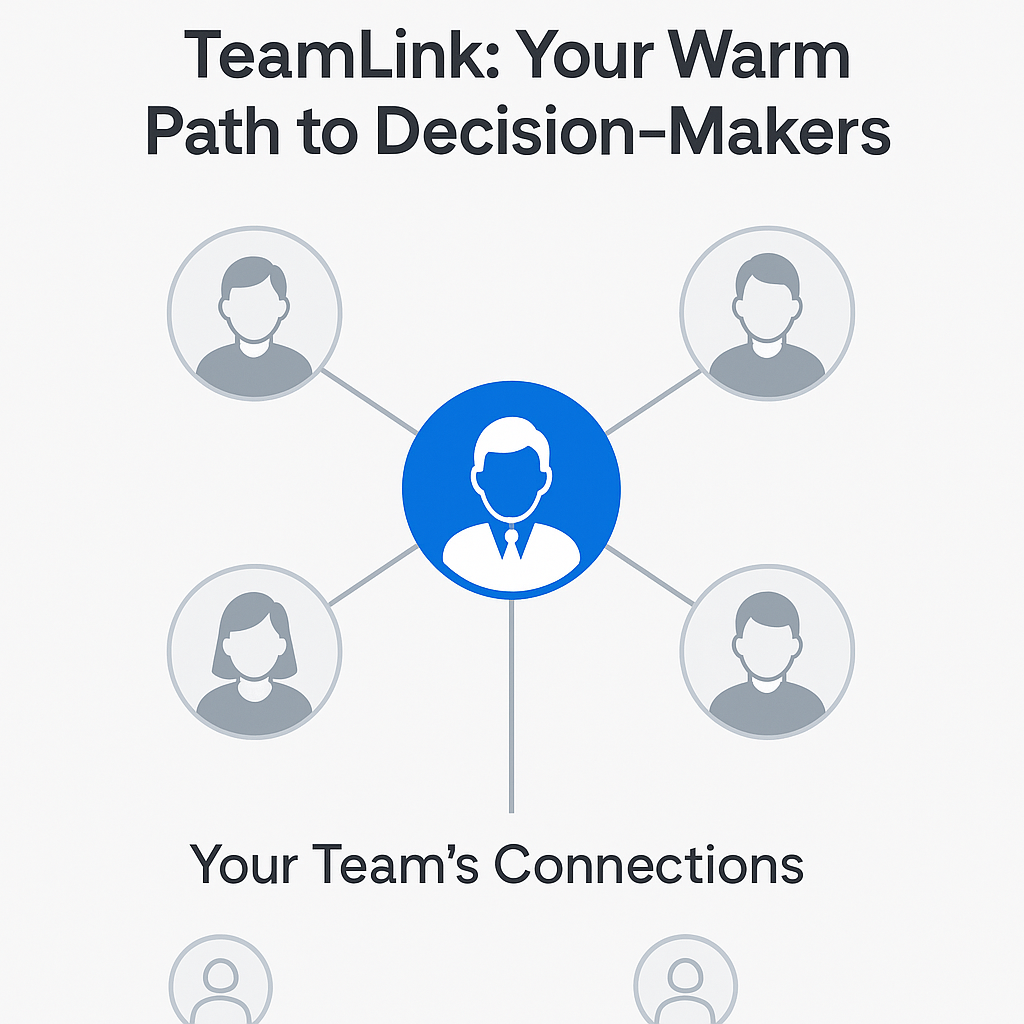
This is the money feature for closers. You’re working a big Opportunity. You open the Account record, and the embedded TeamLink data shows you which of your colleagues are connected to your key decision-makers.
You now have a warm path to the CFO instead of sending a cold InMail. This is how you multi-thread effectively. Salespeople secure deals that are 42% larger when they leverage Sales Navigator to connect with multiple decision-makers.
Real-Time Deal-Saving Alerts
The navigator salesforce CRM Sync constantly updates your records. What does this mean for you?
You get notified when your key champion leaves their company. This is a deal-saving alert. You can find where they went (your next opportunity!) and identify the new decision-maker before your competitors even know something changed.

