
LinkedIn has become the goldmine for professional networking, but manually reaching out to hundreds of prospects every week? That’s exhausting.
If you’re spending hours sending connection requests and follow-up messages, you’ve probably wondered if there’s a better way. That’s where Octopus CRM comes in—a browser-based automation tool designed to handle the repetitive stuff while you focus on closing deals.
But here’s the thing: not every automation tool delivers what it promises. Some get your account flagged, others drain your wallet with hidden fees, and a few simply don’t work as advertised.
In this Octopus CRM review, we’ll break down everything you need to know—features, pricing, safety concerns, and whether it’s actually worth your time. By the end, you’ll know if this tool fits your LinkedIn strategy or if you should look elsewhere.
What Is Octopus CRM?
Octopus CRM is a Chrome extension that automates LinkedIn prospecting tasks. Think of it as your virtual assistant that sends connection requests, messages, endorses skills, and visits profiles while you handle the important conversations.
Unlike cloud-based platforms, Octopus runs directly in your browser, which keeps costs low but comes with trade-offs we’ll discuss later.
The tool works with LinkedIn Free, Premium, Sales Navigator, and Recruiter accounts. It’s designed for anyone doing outbound prospecting—whether you’re a solopreneur, consultant, or sales professional trying to fill your pipeline without burning out.
Core Features That Actually Matter
Let’s cut through the marketing fluff and focus on what Octopus CRM actually does.
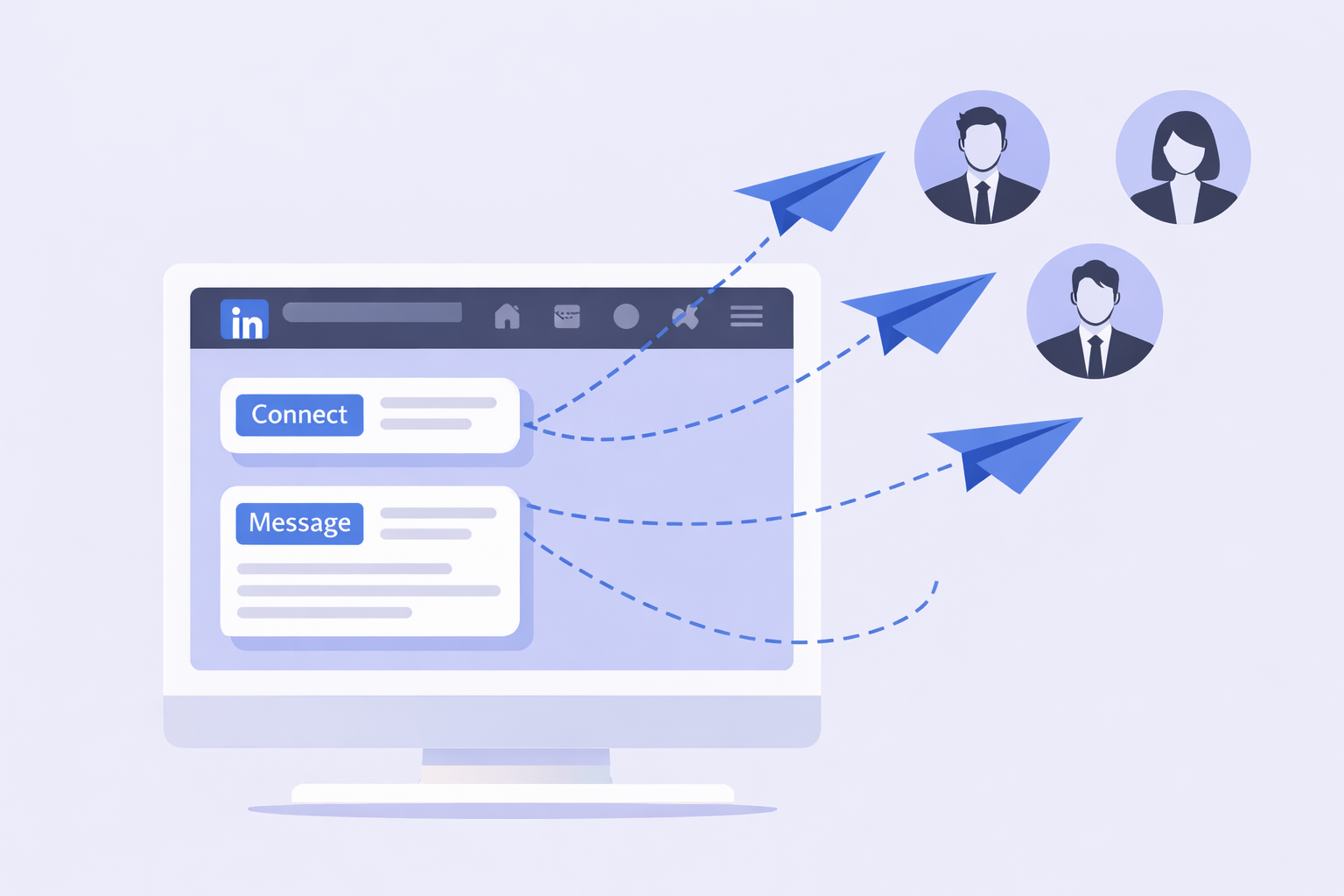
Auto-Connect: Growing Your Network on Autopilot
The auto-invite feature sends connection requests with personalized messages. You can use dynamic variables like {FirstName}, {Company}, or {JobTitle} to make each request feel custom without manually typing hundreds of messages.
The big win? Connection requests with personalization get a 45% acceptance rate compared to just 15% for generic requests. That 3x difference adds up fast when you’re sending 50-100 requests weekly.
There’s also a “Connect by Email” feature that bypasses LinkedIn’s standard connection limits. Most free accounts max out at around 100 connection requests per week, but email invitations often don’t count toward this cap, letting you scale faster.
Bulk Messaging: Following Up Without the Manual Work
Once connections accept, the bulk messaging feature kicks in. You can set up automated sequences—like a thank-you message after connecting, then a value-driven follow-up a few days later.
The limitation? It’s fairly basic compared to advanced LinkedIn automation tools that offer sophisticated branching logic. You can’t easily create “if-then” sequences like “if they click the link, send Message A; if not, send Message B.”
Profile Visits & Skill Endorsements: The Soft Touch Approach
These features leverage reciprocity psychology. When you auto-visit someone’s profile, they get a notification and often visit yours back. If your profile is optimized with a clear value proposition, this passive action can generate LinkedIn growth and inbound requests.
Auto-endorsing skills is similar—it’s a low-friction way to ping prospects and create goodwill before making a direct ask.
Pricing: What You Actually Pay
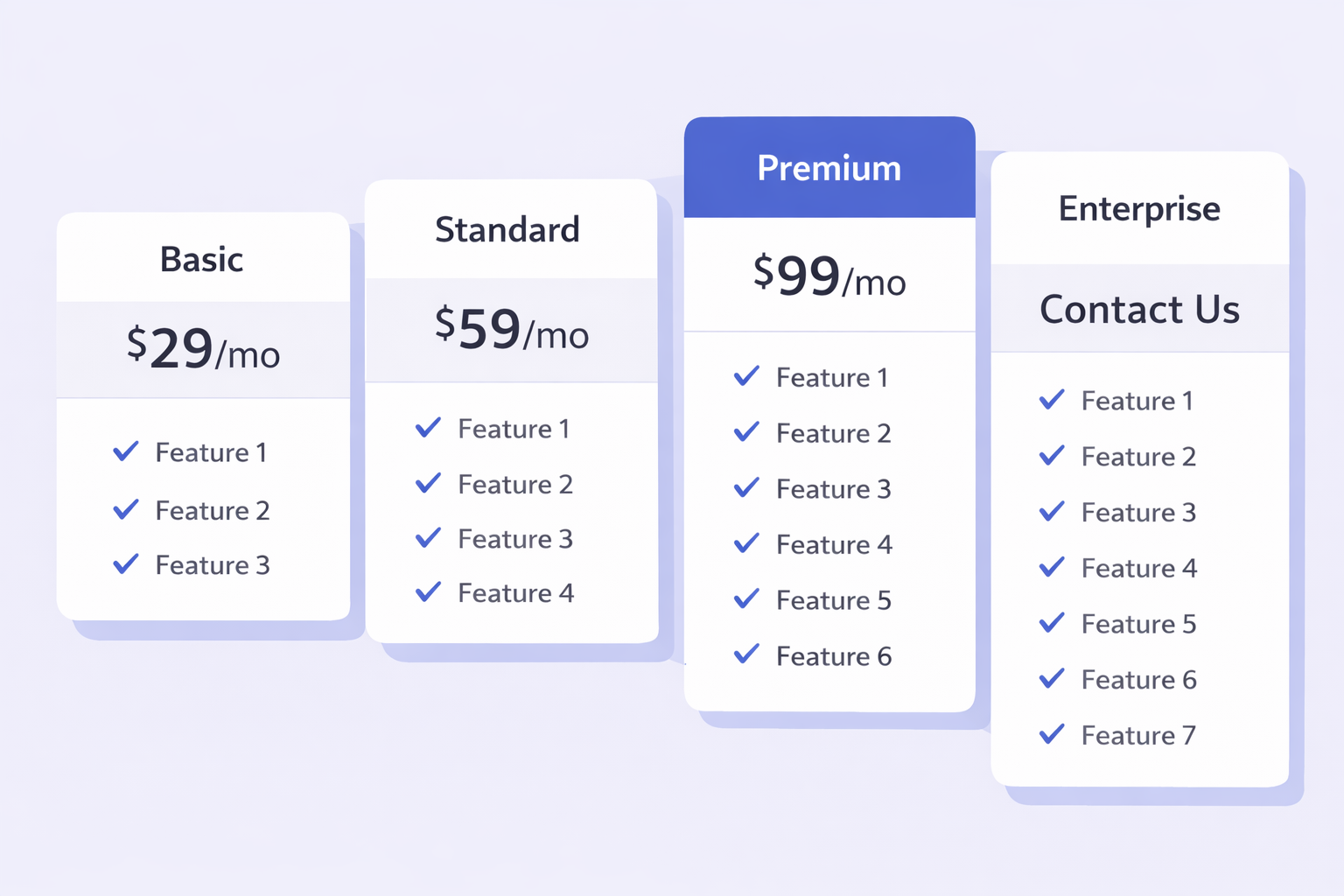
Octopus CRM uses a tiered pricing model with four plans:
- Starter ($9.99/month): Basic auto-invites and bulk messaging
- Pro ($14.99/month): Adds data import/export, Zapier and HubSpot integration
- Advanced ($21.99/month): Full funnel management, auto-view, auto-endorse
- Unlimited ($39.99/month): VIP support, personal account management
Annual billing knocks about 30% off these prices.
The ROI calculation is simple: If you’re spending 5 hours a week on manual outreach at an hourly rate of $25, that’s roughly $500/month in labor cost. Even the Unlimited plan at $39.99 pays for itself if it saves you just 2 hours.
Most users report saving 10+ hours per week, making the ROI exponential. One closed deal from automated outreach can fund years of subscription costs.
Free trial note: Octopus offers a 7-day free trial with no credit card required, which is perfect if you need to prove value before committing budget.
IMAGE 2 PLACEMENT HERE
ChatGPT Prompt: “Create an infographic-style illustration showing a comparison chart with four pricing tiers represented as stacked blocks or cards. Each tier shows key features as checkmarks. Use colors: #ECECFE background, #1F2124 for text, #2A5AF8 for tier highlights, #F9F9F9 for card backgrounds. Clean, modern, business-friendly design.”
Place after: “Annual billing knocks about 30% off these prices.”
Safety & Account Restrictions: The Real Talk
This is where things get tricky.
Octopus CRM is a Chrome extension, which means it operates in your browser using your IP address and session cookies. While this keeps costs down, it’s inherently riskier than cloud-based solutions that use sophisticated browser emulation.
What Octopus Does to Stay Safe:
- Randomized delays between actions (not every 30 seconds like a bot)
- Daily activity limits you can configure manually
- Warm-up recommendations for new accounts
The Honest Risk Assessment:
LinkedIn’s algorithms are getting smarter. 97% of recruiters use LinkedIn for talent acquisition, meaning the platform takes user experience seriously and cracks down on obvious automation.
Your safest bet is staying within conservative limits:
- 20-30 connection requests daily for newer accounts
- 80-100 daily for established, aged accounts
- Never exceed 100 connection requests weekly on free accounts
The tool can’t eliminate risk entirely—no automation tool can. But disciplined use with proper settings minimizes account restrictions.
Real-World Performance: What Users Actually Report
IMAGE 3 PLACEMENT HERE
ChatGPT Prompt: “Create a data visualization illustration showing positive growth metrics – rising line graphs, percentage increases, connection icons multiplying. Use colors: #ECECFE background, #1F2124 for graph elements, #2A5AF8 for growth arrows and positive metrics. Modern, business-data style.”
Place after this section heading, before the statistics below:
Let’s look at actual data from users and industry benchmarks:
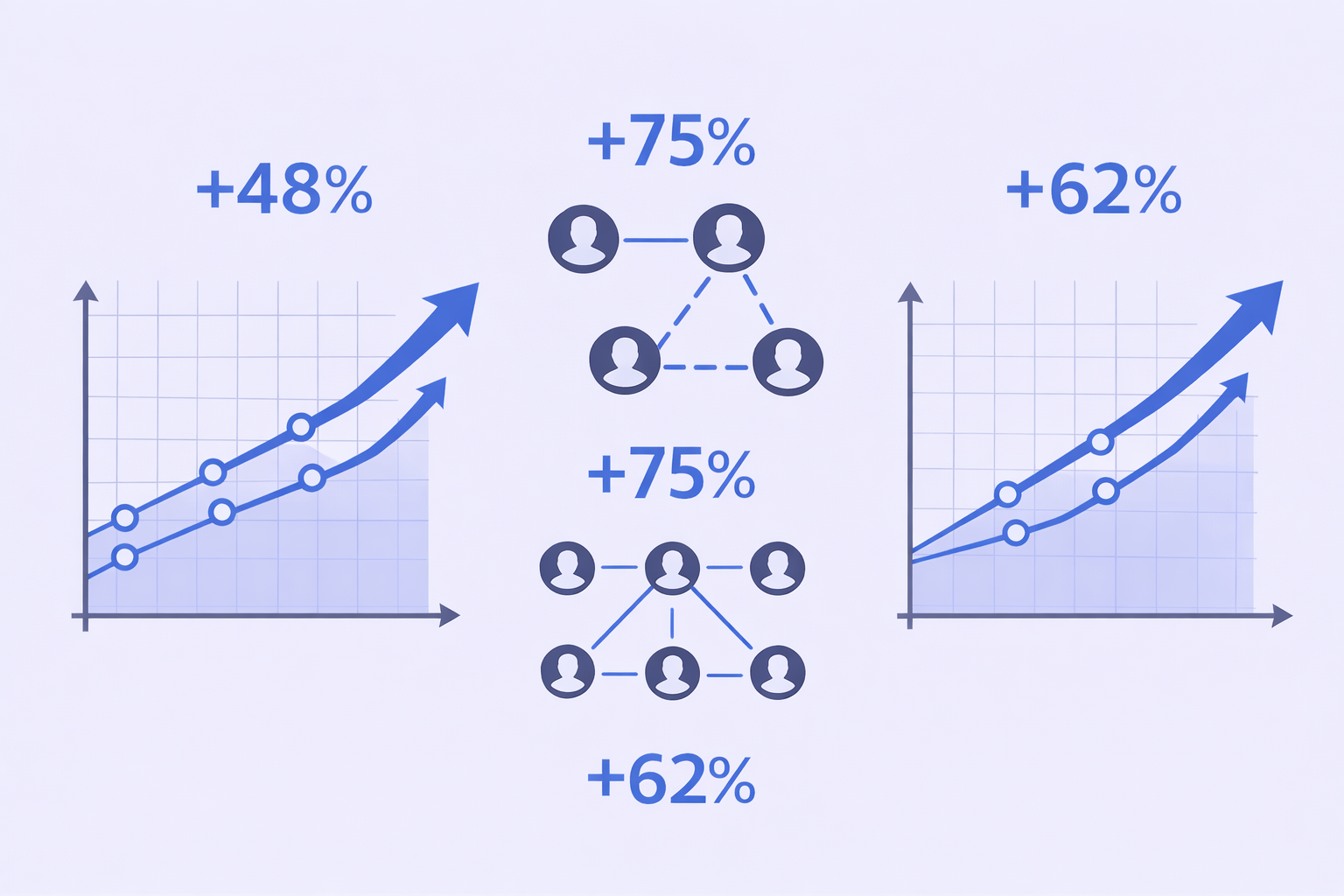
- 26-30% average connection acceptance rate with basic use
- 45% acceptance rate achievable with strong personalization
- 10+ hours saved weekly reported by most users
- 40% of LinkedIn’s 1 billion users access the platform daily
The tool itself doesn’t guarantee results—your targeting quality, message copy, and profile optimization matter more. Octopus just removes the manual labor bottleneck.
On the flip side, 4 out of 5 LinkedIn members drive business decisions, which means if you’re targeting right, you’re reaching actual decision-makers rather than getting filtered by gatekeepers.
The Biggest Drawbacks Nobody Mentions
Let’s cover what the marketing materials skip:
1. Browser Must Stay Open
Unlike cloud-based tools, Octopus only runs when your browser is active. Close Chrome, and automation stops.
2. Detection Risk Is Real
Extensions are easier for LinkedIn to detect than sophisticated cloud browsers. You’re trading lower cost for higher risk.
3. Limited Sequence Complexity
Advanced marketers wanting intricate if-then logic and branching sequences will find Octopus limiting compared to enterprise tools.
4. No Mobile App
Everything runs desktop-only through Chrome.
5. You’re Still Doing It Yourself
Even with automation, you need to handle profile optimization, targeting research, and lead enrichment strategy.
Final Verdict: Should You Buy Octopus CRM?
Yes, if:
- You’re on a tight budget and paying out of pocket
- You’re comfortable managing a Chrome extension
- You understand LinkedIn outreach basics and need to scale
- You’re willing to configure safety settings properly
No, if:
- Your company blocks browser extensions
- You want fully managed, hands-off lead generation
- You need complex multichannel sequences
- You’re risk-averse about account restrictions
The middle ground: Try the free trial. Seven days gives you enough time to run a small campaign and see if it fits your workflow without financial commitment.
