

Look, I’ll be honest with you. If you’re drowning in spreadsheets, forgetting to follow up with leads, and spending more time updating your CRM than actually selling, you’re not alone. Research shows that sales teams spend only 28% of their week actually selling—the rest is eaten up by admin tasks and data entry.
That’s where Salesflare comes in. This isn’t your typical CRM that demands you fill out endless fields and manually log every interaction. Salesflare promises something different: a system that actually populates itself by pulling data from your emails, calendar, and social profiles.
But here’s the million-dollar question: Does it actually work? Or is it just another tool that promises the moon and delivers a flashlight?
In this Salesflare review, I’m breaking down everything you need to know—the features that actually matter, the pricing that makes sense (or doesn’t), and whether this automated approach to customer relationship management will save you time or create more headaches.
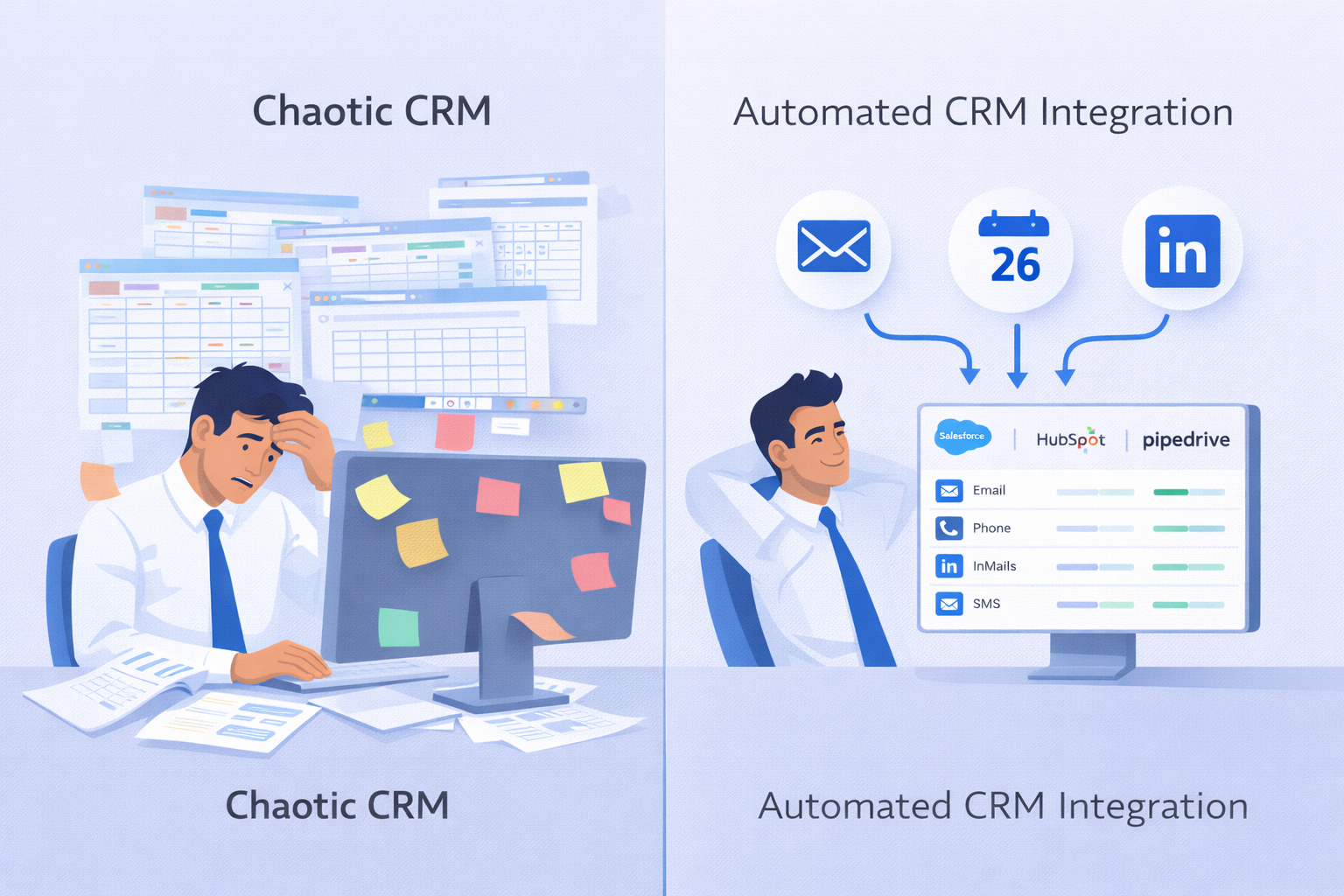
Salesflare Review: What Makes It Different?
The “Zero Data Entry” Promise
Here’s what sets Salesflare apart from traditional CRMs: it’s designed for people who hate data entry. Like, really hate it.
Traditional customer relationship management systems like Salesforce or HubSpot present you with a blank form every time you add a contact. Name. Email. Phone number. Company. Job title. LinkedIn. Notes. It’s exhausting.
Salesflare CRM takes a different approach. It automatically scrapes information from email signatures, pulls data from LinkedIn profiles, logs your calendar meetings, and tracks email opens and clicks—all without you lifting a finger.
According to industry data, sales reps spend an average of 5.5 hours per week on data entry. That’s 286 hours per year, or roughly 36 full working days just typing information into boxes.
Salesflare aims to eliminate that entirely.
How the Automation Actually Works
Let me walk you through what happens when you connect Salesflare to your Gmail or Outlook:
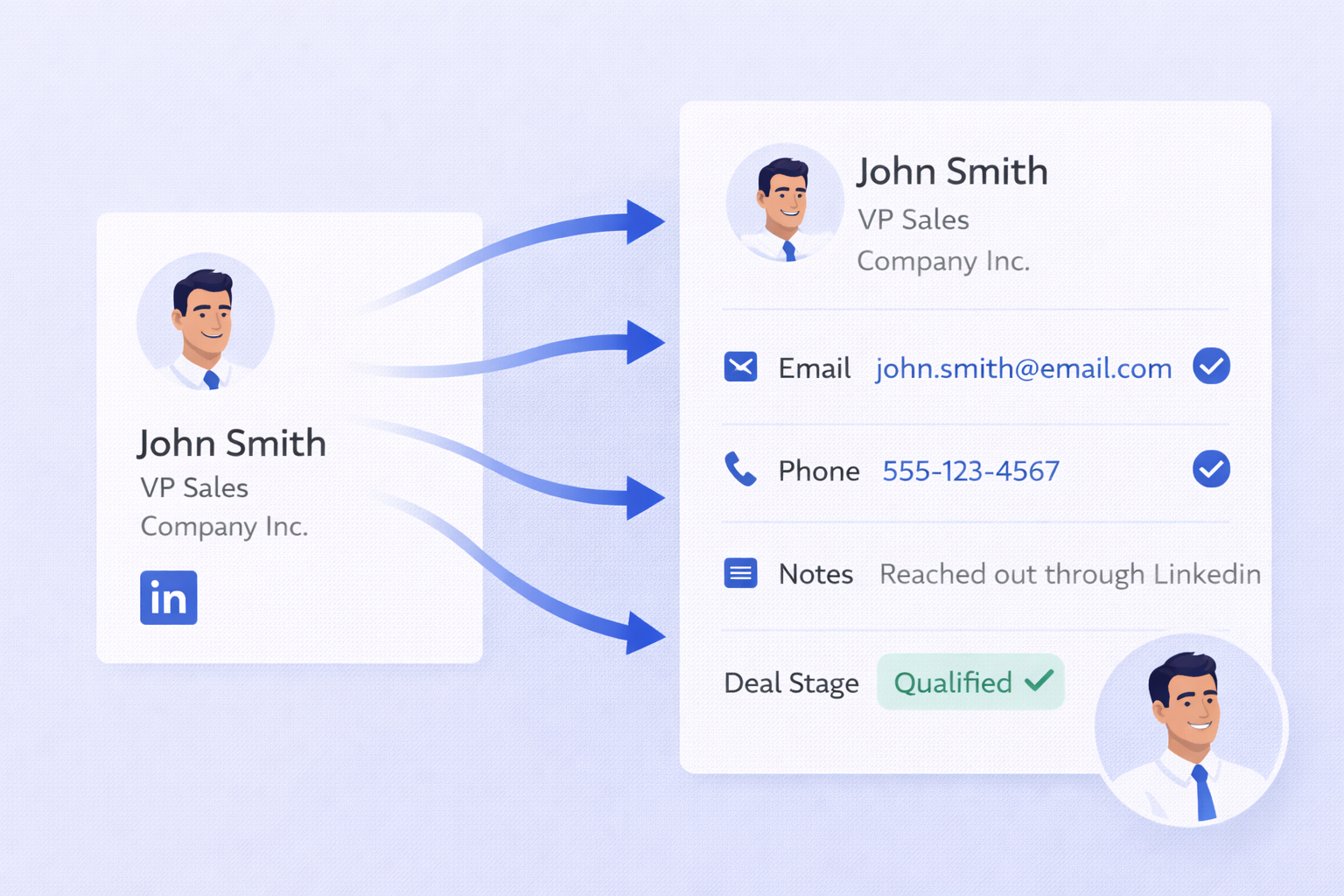
Email Signature Scraping: When someone sends you an email with their contact details in the signature (phone number, LinkedIn URL, company website), Salesflare automatically extracts that information and updates the contact record. No copying and pasting required.
Calendar Integration: Every meeting you schedule gets automatically logged to the relevant contact or deal. The system creates a timeline of interactions without you manually recording anything.
Social Profile Enrichment: Salesflare pulls publicly available information from LinkedIn—job titles, company size, industry, location—and adds it to your contacts automatically.
Website Tracking: Install a simple tracking script on your website, and Salesflare alerts you when an old prospect visits your pricing page. That’s a buying signal you can’t afford to miss.
This isn’t magic—it’s just smart automation. Studies show that automated CRM systems can increase sales productivity by up to 14.6% because reps spend less time on admin and more time actually talking to prospects.
The Visual Pipeline That Actually Makes Sense
One of the biggest frustrations with traditional CRMs is that you need a PhD just to understand where your deals stand.
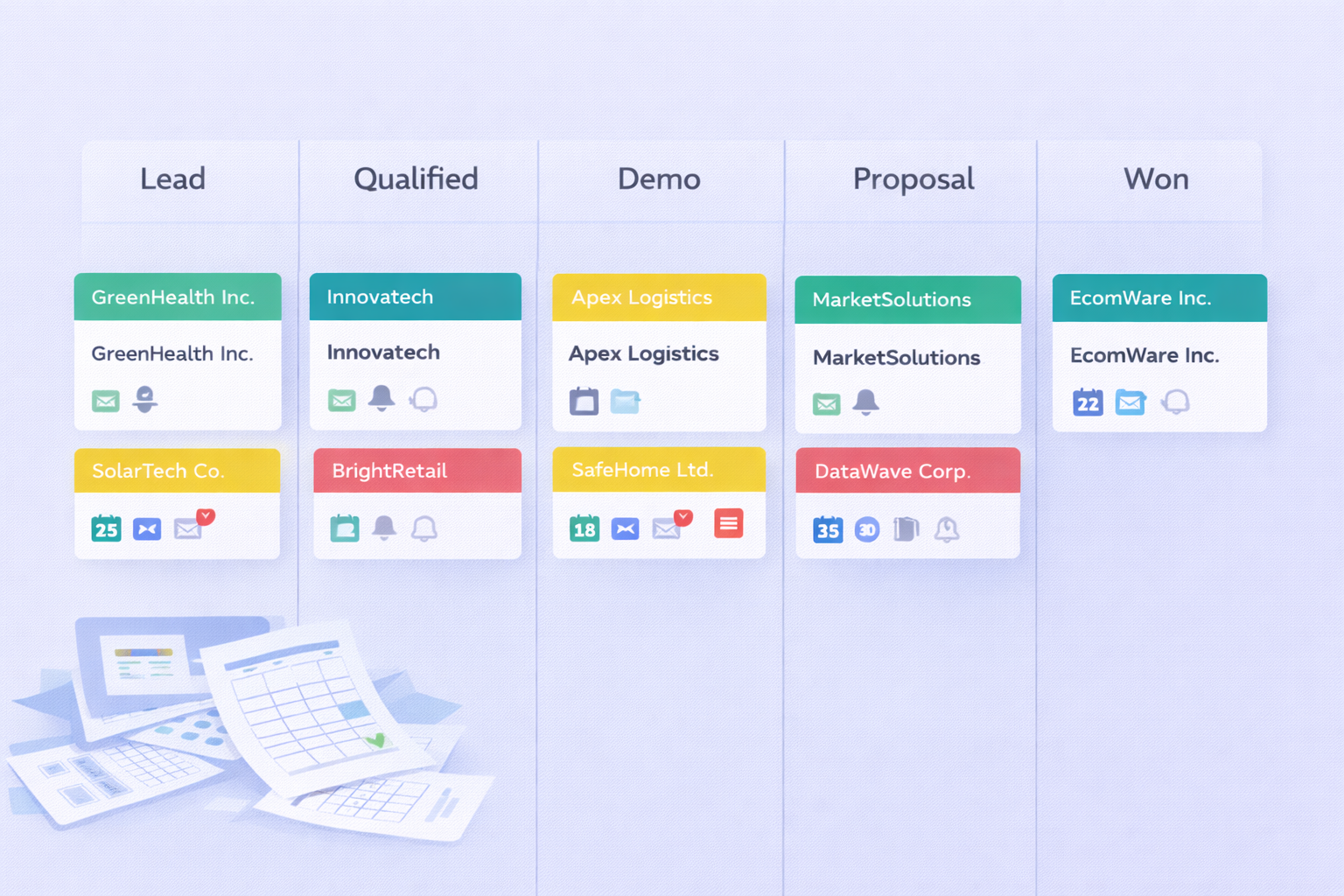
Salesflare uses a Kanban-style visual pipeline (think Trello for sales) where you can see every opportunity at a glance. Drag a deal from “Discovery” to “Proposal” and the system automatically triggers the next steps.
Here’s what makes it brilliant: color-coded health indicators. If you haven’t contacted a lead in your specified timeframe, the deal turns red. It’s a visual nudge that keeps you from letting opportunities slip through the cracks.
The system also shows “relationship strength” scores based on email engagement and interaction frequency. Companies that track relationship health see 27% higher win rates because they know exactly when to reach out and when to back off.
Email Sequences Built Right In
Here’s where Salesflare gets really interesting for outbound prospecting.
Most small businesses juggle multiple tools: one for finding emails, another for sequences, another for the CRM. It’s a mess.
Salesflare combines these into one platform. You can build multi-step email sequences directly inside the CRM:
- Email 1: Introduction with value proposition
- Wait 3 days
- Email 2: Case study or social proof
- Wait 4 days
- Email 3: Final follow-up
The sequences send through your connected Gmail or Outlook account, which means better deliverability than third-party SMTP servers. Your emails land in the primary inbox, not the spam folder.
Plus, you get granular tracking: open rates, click rates, and even website visits after someone clicks a link in your email. Personalized email sequences see 26% higher open rates than generic blasts.
The Gmail & Outlook Sidebar
This is one of those features that sounds small but changes everything.
Salesflare lives inside your email inbox as a sidebar. When you open an email from a prospect, the sidebar instantly displays:
- Their full CRM profile
- Every past interaction timeline
- Open opportunities
- Engagement scores
You can add notes, create tasks, and advance deal stages without leaving your email window. No more bouncing between tabs and losing your train of thought.
Research shows that context switching costs knowledge workers up to 40% of their productive time. Eliminating that friction is huge.
Email Finder Credits: The Hidden Value
Here’s something many Salesflare reviews miss: the platform includes built-in email finder credits.
On the Pro plan, you get 500 email finding credits per month. If you were buying these separately from tools like Hunter.io or Snov.io, you’d pay $30-$50/month.
The accuracy hovers around 70-80%, which isn’t perfect but is competitive with standalone tools. And because it’s integrated directly into the LinkedIn sidebar, you can find an email and add the contact to a sequence in literally two clicks.
This bundling significantly improves the ROI, especially for small teams doing high-volume prospecting.
Mobile App That Actually Works
Most CRM mobile apps are watered-down viewers where you can barely do anything useful.
Salesflare’s mobile app is a fully functional command center. You can:
- Log calls immediately after meetings
- Dictate notes using voice input
- Access full contact timelines
- Send emails and advance deals
Field sales teams particularly love this because 67% of the sales process now happens on mobile devices. Being able to update the CRM from your car right after a client meeting ensures the information stays fresh and accurate.

