Using HeyReach with Smartlead: How the Stack Works (and Where It Breaks)?
Before diving into the cracks, let’s quickly understand what each tool actually does and why people love combining them.
What HeyReach Does
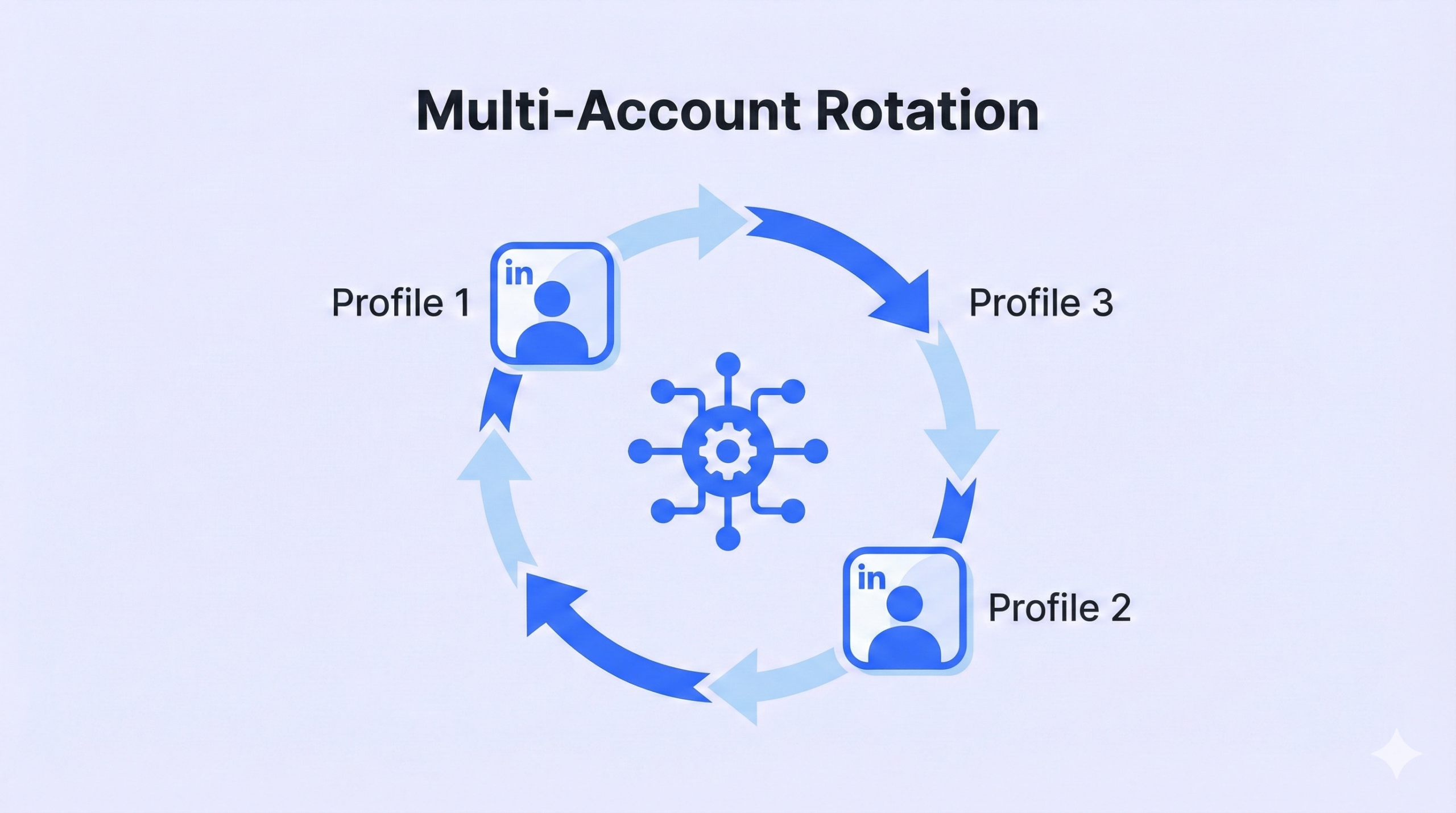
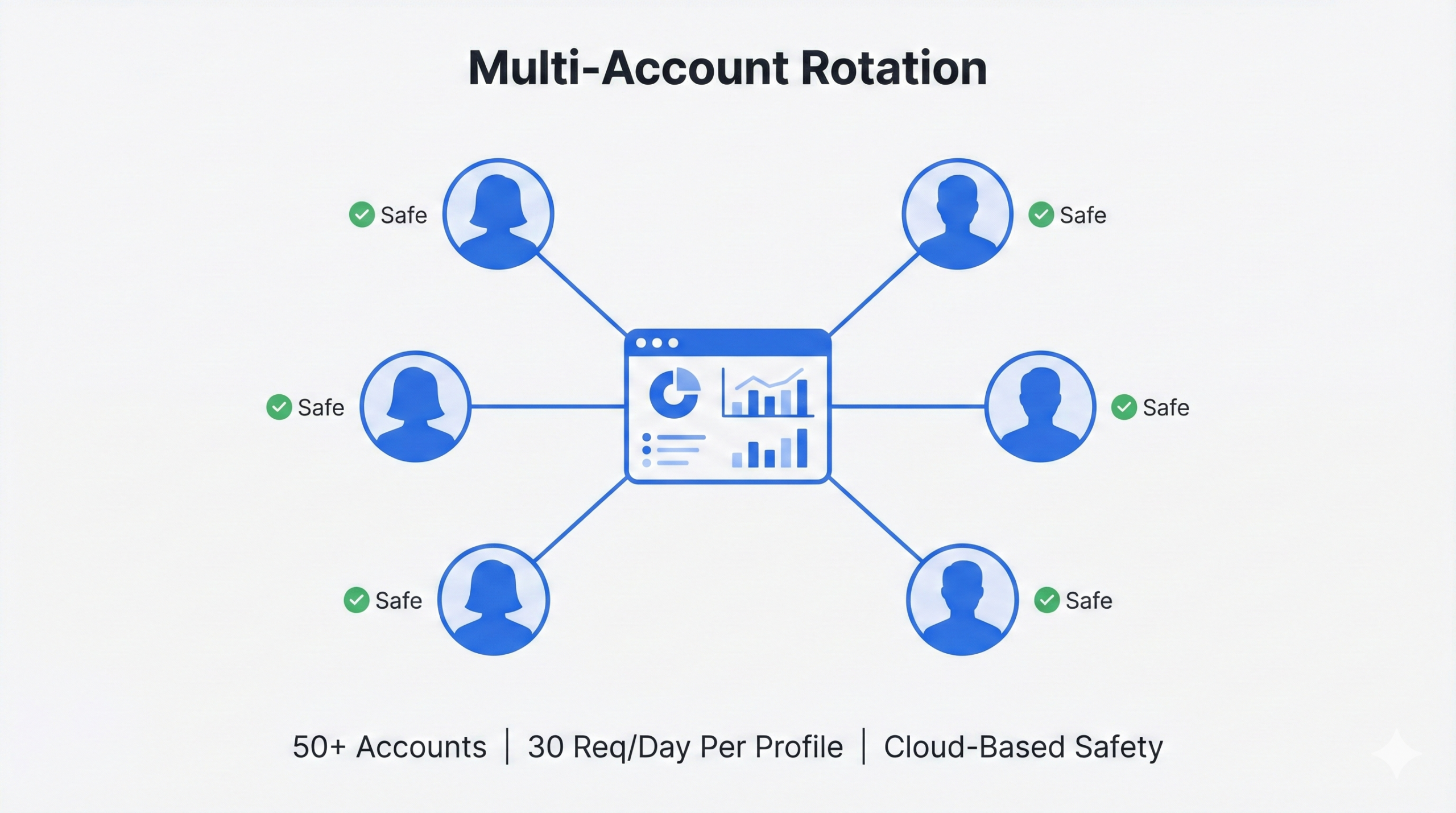
HeyReach is built for LinkedIn outreach at scale. Its superpower is multi-account rotation — you can connect 50 or even 100 LinkedIn profiles to a single campaign and rotate messages across them. This keeps you well under LinkedIn’s strict daily limits while dramatically increasing your total outreach volume.
It’s cloud-based, uses dedicated IPs, and mimics human behavior with randomized delays between actions. This technical setup is why many agencies trust it over simpler browser extensions that LinkedIn detects more easily.
What Smartlead Does
Smartlead handles the email side of cold outreach. Think of it as your email deliverability engine. It lets you rotate across unlimited inboxes and domains, runs automated warm-up sequences, and uses unique IP servers for each campaign to protect your sender reputation.
In large-scale testing with over 10,000 emails, Smartlead achieved a 0.5% bounce rate — which is exceptional. Staying under the critical 3% bounce threshold is what keeps ISPs happy and your emails out of spam.
Together, they create a bi-directional outbound system. Check out how outreach automation tools like these power modern B2B pipelines.
The Integration: How It Actually Works
There are two main workflows that define how data moves between HeyReach and Smartlead:
Workflow 1: HeyReach → Smartlead
A prospect ignores your LinkedIn connection request or accepts it but doesn’t reply to your first message. After a delay of 7 to 12 days (best practice), HeyReach automatically pushes their email address into a pre-set Smartlead campaign. The email references the LinkedIn interaction, giving the conversation context and reducing the cold-stranger feel.
Workflow 2: Smartlead → HeyReach
A prospect opens your email or clicks a link. Smartlead’s SmartAgents detect this trigger and fire a LinkedIn action — like a profile view or follow-up message — keeping you visible on both channels. This prevents the awkward situation where a prospect is having two completely separate conversations with the same company across different platforms.
This kind of coordinated sequencing is what separates great sales cadence tools from basic email blasters.
Integration Workflow | Mechanism | Use Case |
HeyReach → Smartlead | “Add to Smartlead” Action | Following up LinkedIn non-responders via email |
Smartlead → HeyReach | SmartAgents / Webhooks | Nurturing email responders on LinkedIn |
Cross-Channel Pause | Native API Sync | Stop email sequence once LinkedIn reply received |
Multi-Account Rotation: Why It’s a Game-Changer
LinkedIn caps individual accounts at 100–200 connection requests per week. For high-volume prospecting, that’s a painful bottleneck. HeyReach solves this by rotating across dozens of accounts — each sending 15–30 requests per day — keeping every profile safely under the radar while collectively reaching thousands of people.
The platform uses machine learning-resistant patterns: randomized timing, cloud-based infrastructure, dedicated IPs. It’s not bulletproof, but it’s significantly safer than browser-based alternatives. When this is paired with great targeted outreach, the results can be dramatic.
Email Deliverability: The Smartlead Advantage
ISPs watch how much mail comes from a single domain. Smartlead’s solution: spread your volume across dozens of domains and hundreds of inboxes, sending only 30–50 emails per inbox per day. A team sending 5,000 emails per day can do it without triggering any spam flags.
Unique IP servers per campaign mean no “reputation contamination” — if one sender behaves badly on a shared server, your deliverability doesn’t suffer. This is core email deliverability infrastructure done right.
Where the Stack Breaks: Identifying the Vulnerabilities
No stack is perfect. Here are the most common failure modes — and how to mitigate them before they cost you deals.
The Double-Touch Problem
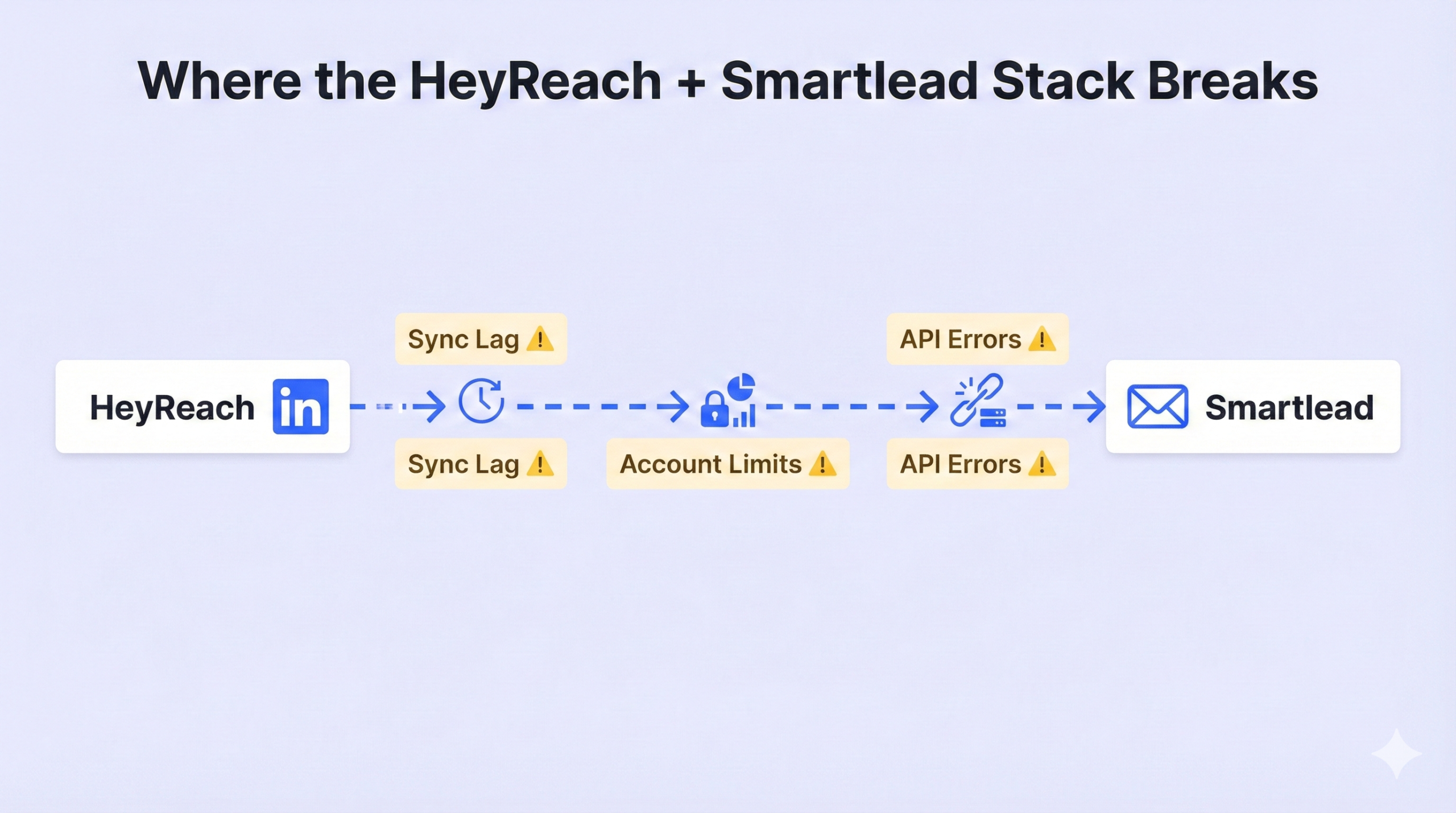
Imagine a prospect replies to your LinkedIn message at 2:00 PM. But Smartlead’s API doesn’t check for that update until 2:15 PM. A scheduled follow-up email fires at 2:05 PM. The prospect gets both at the same time and immediately knows you’re running automation. Trust — gone.
This sync lag comes from API rate limits. Smartlead’s default allows 60 requests per minute. For large agencies managing hundreds of campaigns simultaneously, this ceiling gets hit fast, causing delays that let leads “drift” into sequences they should have been paused from.
LinkedIn Account Restrictions
LinkedIn officially prohibits automation, and their algorithms are getting sharper. Common triggers for account restrictions include:
- Low acceptance rates: Below 30% and the algorithm flags you as spam, tightening your limits
- “I Don’t Know This Person” reports: Each click hurts your Social Selling Index (SSI) and risks manual review
- Short delay times: Setting a 1-day delay often means the message fires before the person has even seen the connection request
API and Webhook Failures
When you add middleware like Make or n8n into the mix, complexity spikes. A single wrong JSON format or missing header can break the entire automation. Leads vanish between platforms with no record of where they went. Regular monitoring of lead generation pipelines is essential to catching these silently.
Failure Mode | Root Cause | Mitigation |
Double Touch | API Sync Lag | Use smaller batches (50-100); verify “Pause on Reply” settings |
Account Restrictions | Aggressive activity limits | Stay under 30 connections/day; focus on personalization |
Data Gaps | Webhook/API 429 Errors | Implement retries with backoff; monitor automation logs |
DNS Conflicts | Proxy/Cloudflare clashes | Set DNS records to “DNS Only” (grey cloud) for tracking domains |