

🎉Find Prospects and Send Cold Emails & LinkedIn Outbound | All in One Place

LinkedIn Plugin for Chrome: The 2025 Guide to What's Safe and What's Banned

Table of Contents

Your quota is staring you down. You’re on LinkedIn all day anyway. And you need contact details—fast.

That’s why you’re here looking for the perfect linkedin plugin for chrome to magically extract phone numbers and email addresses.

Before you click “install” on anything, read this.

The game changed in late 2025. LinkedIn just banned Apollo.io and Seamless.ai from their platform entirely. Individual users are getting warnings and account restrictions just for having certain extensions installed. Using the wrong tool isn’t just “risky” anymore—it could end your career on LinkedIn.

Let me save you from making a huge mistake.

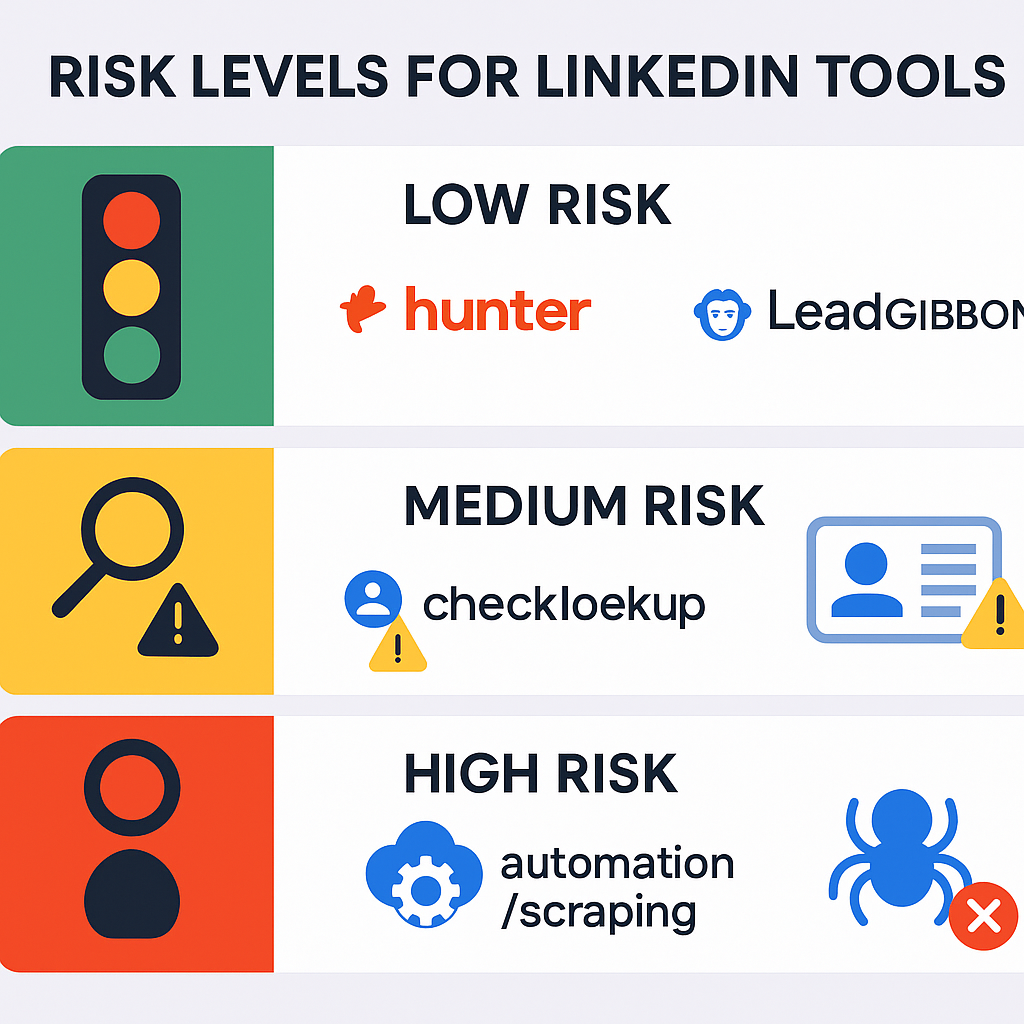
A Quick Comparison Table of All LinkedIn Chrome Extensions

For those who like to skim (I see you), here’s your 30-second cheat sheet:

Tool

Best For

Free Plan

Risk Level

Salesso

Complete verified contact database (no LinkedIn scraping)

Custom pricing

Safest – No LinkedIn scraping

Lusha

Finding verified phone numbers

70 mixed credits/month

⚠️ Medium – Use for one-off lookups only

Kaspr

High-accuracy EU data

5 phone + 5 email + 15 B2B email credits/month

⚠️ Medium – Strong GDPR focus helps

GetProspect

Finding verified emails

50 emails/month

⚠️ Medium – Avoid bulk export features

Hunter.io

Company domain email patterns

50 credits/month

✅ Low – Works on websites, not LinkedIn

Wiza

Sales Navigator exports

20 email + 5 phone credits/month

🚨 Medium-High – Bulk scraping risk

Notice what’s missing? Any full automation tools (like Dux-Soup) or high-profile scrapers that LinkedIn actively targets (like Apollo). This list focuses on “scalpel” tools—use them carefully for one-off lookups, not bulk scraping.


Why LinkedIn Just Declared War on Chrome Extensions

This is the most important section you’ll read today.

In late 2025, LinkedIn removed the gloves. They permanently banned the company pages of Apollo.io and Seamless.ai. This wasn’t a bug—it was a declaration of war on data scrapers.

The Official Reason vs. The Real Reason

Official Version: These tools aggressively scrape LinkedIn data, violating the User Agreement. LinkedIn claims they’re “protecting user privacy.”
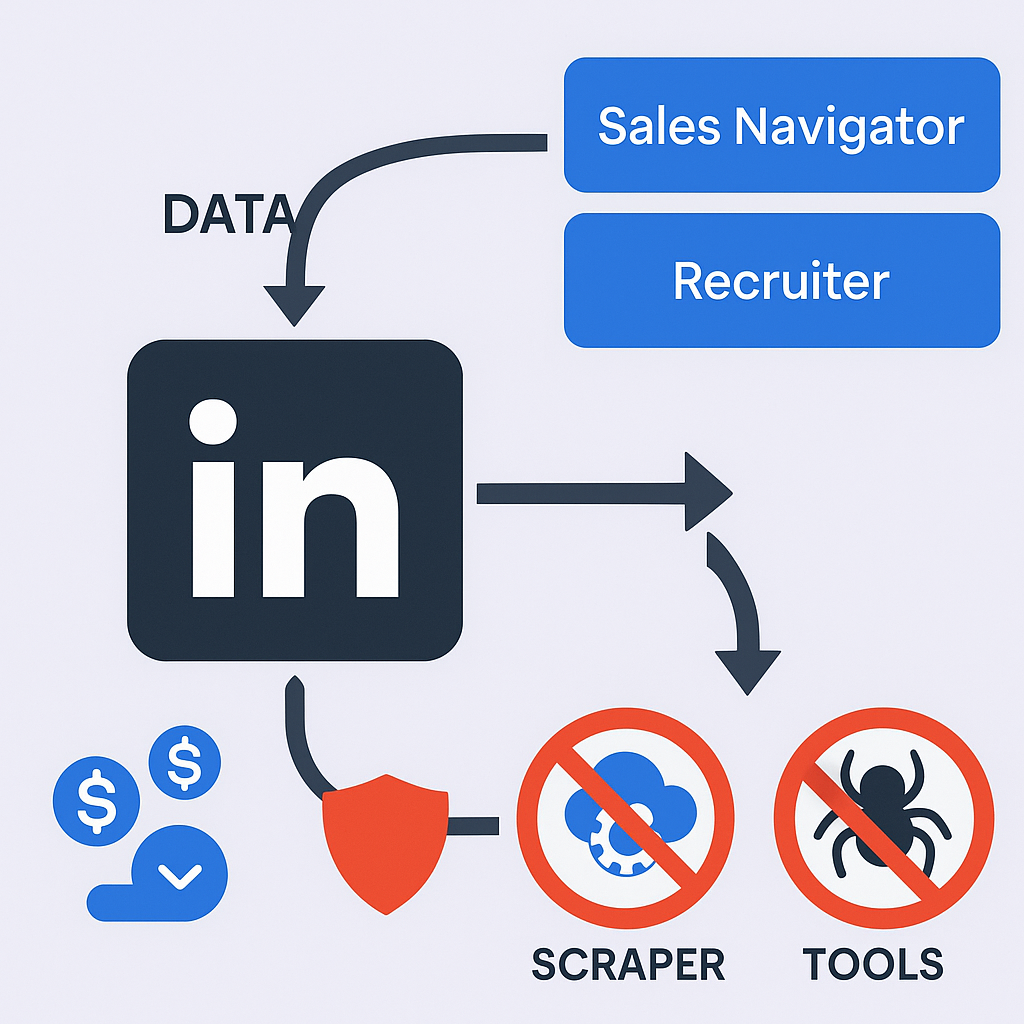


What’s Actually Happening: LinkedIn is a data company. They make billions selling access to their database through Sales Navigator and LinkedIn Recruiter. Apollo, Seamless, and similar scrapers were essentially stealing LinkedIn’s core product and reselling it cheaper. This ban is pure business strategy.

Why This Matters to You Directly

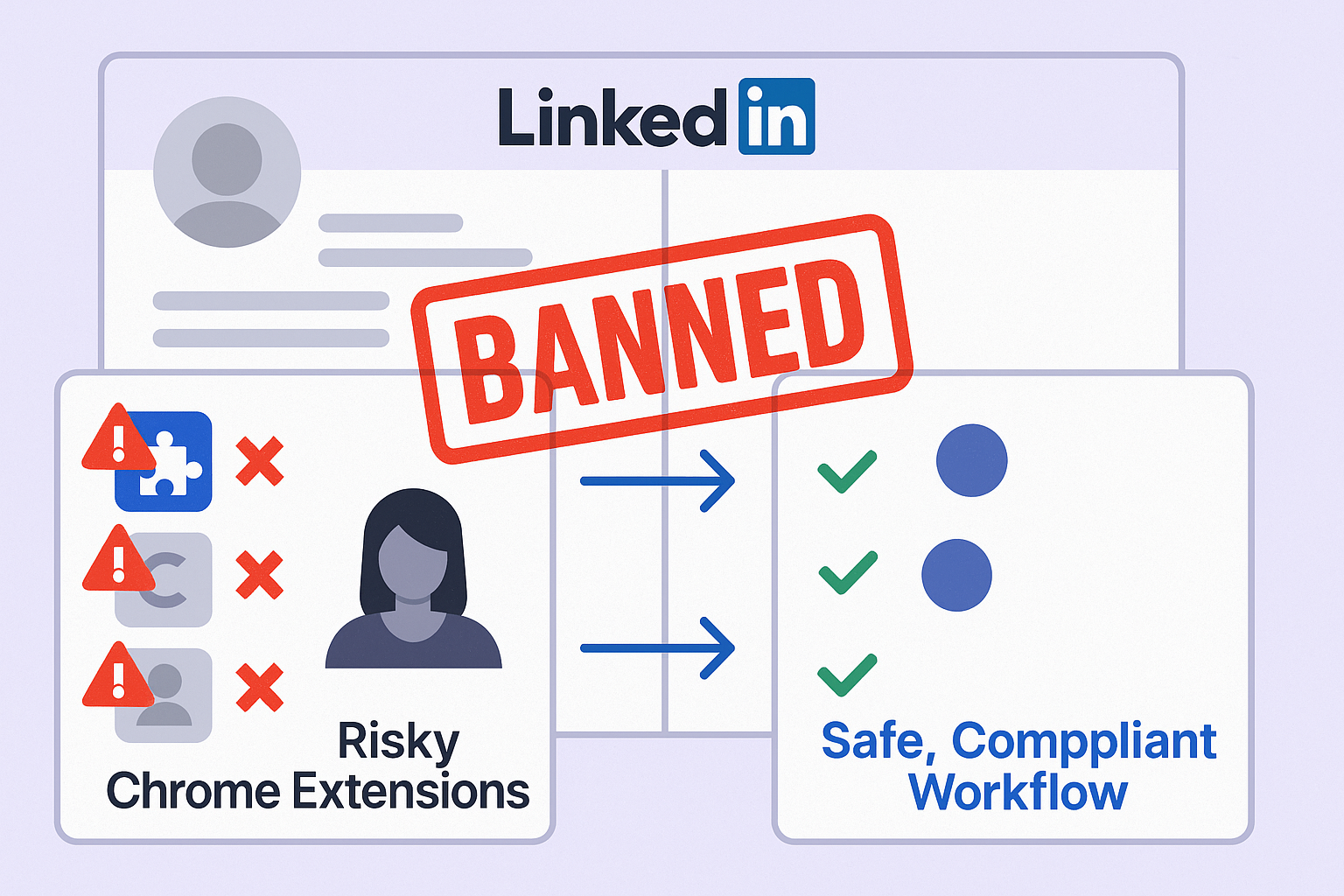
  • Your Account is at Risk: People are getting pop-up warnings and restrictions just for having these extensions installed—even when they’re not using them
  • Your Workflow is Broken: Without live LinkedIn data, the accuracy of job titles, company info, and other details is plummeting
  • The Stakes are Too High: 89% of B2B marketers use LinkedIn for lead generation—getting your account banned to save 10 minutes on data entry is career suicide

LinkedIn has invested millions in AI-powered detection and is banning thousands of accounts. The “Wild West” era of data scraping is over.


Top-Rated LinkedIn Chrome Extensions (The “Gray Zone” Tools)

🎯 Professional Outbound Without The Risk

Complete targeting, campaign design, and scaling methods that keep your LinkedIn account safe while booking qualified meetings.

Okay, so the big scrapers are out. What’s left?

These tools exist in a “gray zone.” They’re less aggressive and haven’t been primary targets… yet. The smart play? Use them like a scalpel—one contact at a time—then close them.

The Safest Alternative: Salesso (Our Recommended Solution)

What It Is: A complete verified contact database provider that doesn’t scrape LinkedIn at all.

Here’s why Salesso is the smartest choice in 2025:

Zero LinkedIn Risk – Your LinkedIn account stays completely safe because we don’t scrape it
Verified Contact Data – Access thousands of pre-verified email addresses and phone numbers from our compliant database
Better Data Quality – Our data comes from legitimate business sources, not risky scraping
Scale Without Fear – Build lists of 500+ prospects without worrying about account bans

The New Smart Workflow: Get your verified contacts from Salesso, then use LinkedIn for personalized outreach and relationship building. Separate your sourcing from your selling.

⚡ Stop Scraping. Start Converting.

Our done-for-you LinkedIn outbound targets decision-makers directly—15-25% response rates, zero ban risk.

Pricing: Custom plans based on your needs—contact us for a quote.

Lusha

Best For: Getting accurate phone numbers for cold calling.

The lusha extension for chrome has been around for years and is generally trusted. They emphasize GDPR and CCPA compliance, which is a good sign.

Features:

  • Reveals professional emails and phone numbers on LinkedIn, Sales Navigator, and company contact data websites
  • CRM integrations (Salesforce, HubSpot) included on all plans

Free Plan: 70 mixed credits per month to find phone numbers and emails

The Truth: Solid tool, but expensive on paid plans. Only use for one-off lookups—never for bulk enrichment.

Risk Level: Medium. Use sparingly and manually.

Kaspr

Best For: High-accuracy data, especially in European markets.

If you sell into the EU, Kaspr should be on your radar. They’re known for high-quality, verified data and strong GDPR alignment.

Features:

  • Finds phone numbers and email addresses on LinkedIn profiles, groups, and events
  • Integrates with HubSpot, Salesforce, Pipedrive, and more

Free Plan: 5 phone credits, 5 direct email credits, 15 B2B email credits per month

Pricing: Paid plans start at $49/month

The Truth: Premium quality for teams that need reliable EU data. Worth the investment if your market is Europe.

Risk Level: Medium. Their GDPR focus is a plus.

GetProspect

Best For: Budget-conscious users who need email addresses.

The getprospect chrome extension offers one of the best free tiers out there—50 free valid emails per month.

Features:

  • Finds emails from basic LinkedIn and Sales Navigator searches
  • Includes bulk email finder and free email verifier

Free Plan: 50 emails per month

Pricing: Paid plans start at $49/month for 1,000 emails

Critical Warning: Stay away from their “bulk email finder” and “save hundreds of contacts” features. That’s exactly the high-volume bot behavior that gets accounts banned.

Risk Level: Medium. Only use for single lookups.

Hunter.io

Best For: Finding any email associated with a company contact data domain.

Hunter is different—and in 2025, “different” is good. Its main strength isn’t scraping LinkedIn profiles. Instead, it does “Domain Search.”

How It Works: You visit a prospect’s company website, click the extension, and it instantly finds all known email patterns (like first.last@company.com).

Why It’s Safer: Hunter “doesn’t scrape social media profiles”—which used to be a con, but is now a massive feature. You’re not violating LinkedIn’s Terms of Service the same way.

Free Plan: 50 credits per month

The Truth: Much safer alternative. Use it on company websites, not LinkedIn profiles.

Risk Level: Low. This is one of your safest bets.

Wiza

Best For: Exporting from Sales Navigator (use with extreme caution).

Wiza allows you to export contact details from Sales Navigator searches.

Free Plan: 20 email + 5 phone credits per month

Critical Warning: This is the closest to “bulk scraping” behavior on this list. Using unlimited export plans is painting a massive target on your account.

Risk Level: Medium-High. Proceed with extreme caution.

The “Danger Zone”: Full Automation Tools You Must Avoid

🚀 Scale Outreach The Smart Way

Our LinkedIn outbound service delivers verified prospect engagement and qualified meetings—no dangerous automation required.

Let’s have a serious talk about chrome extensions that promise to automate your LinkedIn activity.

Tools like Dux-Soup, SalesRobot, or Lemlist’s LinkedIn features promise to auto-connect, auto-view profiles, and send automated messages.

Why They’re Career-Limiting Dangerous

They Mimic Bot Behavior: Sending 100 connection requests in an hour isn’t human. LinkedIn’s AI catches this instantly.

They’re Explicitly Banned: LinkedIn hates these tools more than anything. They create spam and ruin user experience.

The Math Doesn’t Work: Yes, automation saves time. But what’s the cost? Your entire professional network and main prospecting channel—permanently shut down.

Reality Check: Sales reps spend only 33% of their time actively selling. Automating the human part of social selling is a losing strategy.

Verdict: Don’t touch these. Ever.

The Right Chrome Extension for Your Situation (Choose Your Path)

Let me help you make the right decision based on what you actually need:

If You Need a Few Phone Numbers for Cold Calls

Your Move: Install Lusha or Kaspr. Use your free credits to get the 5-10 numbers you need for the day. When you’re done, disable the extension until tomorrow.

Why This Works: One-off, manual lookups. Low volume = low risk.

If You Need One Decision-Maker’s Email for a Proposal

Your Move: Use Hunter.io. Go to the prospect’s company website, hit the Hunter icon, and find the company email format. Alternatively, try GetProspect’s free plan.

Why This Works: Single lookup. Hunter works on websites, not LinkedIn, making it inherently safer.

If You Need to Build a List of 500+ New Prospects

Your Move (The Pivot): DO NOT use a linkedin chrome extension for this. This is exactly the “bulk-scraping” behavior that got Apollo and Seamless banned.

The Smarter Solution: Use a compliant contact database like Salesso. We provide thousands of verified email addresses and phone numbers from our independent, compliant database. You get a clean list for your outreach, and your LinkedIn account—your most valuable selling asset—never touches a risky scraper.

The New Workflow: Get data from Salesso → Go to LinkedIn for human, personalized outreach.

Key Insight: LinkedIn is 277% more effective for lead generation than Facebook and X combined. Don’t burn your most valuable channel for a short-term productivity hack.

If You’re Looking to Automate Your Team’s Outreach

My Advice: Don’t do it. Instead of investing in automation tools that will get your team banned, invest in better data sources (like Salesso) or in training your team to do personalized outreach.

🚀 Advanced LinkedIn Targeting

Strategic demographic segmentation delivers personalized campaigns with systematic scaling approaches

7-day Free Trial |No Credit Card Needed.

FAQs About LinkedIn Chrome Extensions

Can you really get banned for using a LinkedIn Chrome extension?

Yes, 100%. LinkedIn's User Agreement explicitly prohibits any software that scrapes data or automates activity. As of late 2025, they're enforcing this more aggressively than ever. They've banned major tool providers and are sending warnings to individual users. The risk is very real.

Are tools like Lusha, Kaspr, and GetProspect safe to use?

They're safer than full automation tools, but "safe" is a strong word. Any tool that "reads" or "scrapes" a LinkedIn page technically violates the Terms of Service. They exist in a "gray zone." Safest way to use them: Sparingly, for one or two lookups at a time. Unsafe way: Using their bulk-export features. Don't do that.

What happened to the Apollo.io Chrome extension?

In late 2025, LinkedIn permanently banned Apollo's company page for "aggressive data scraping." Their extension is now a high-risk tool. Continuing to use it signals to LinkedIn that you're violating their terms, and your account could be next. Uninstall it immediately.

What is the best free linkedin plugin for chrome to find contact details?

It depends on what you need: For the most email credits: GetProspect (50 free emails/month) For the best mix of data (including phones): Lusha (70 mixed credits/month) For the safest option: Hunter.io (50 credits/month)—works on company websites, not LinkedIn

What is the safest alternative to using chrome extensions for building lead lists?

The only 100% safe and scalable way is to get your data from a source that doesn't scrape LinkedIn. This is where a compliant contact database provider like Salesso comes in. You get access to thousands of verified contact details and email addresses for your outreach—without ever putting your LinkedIn account at risk. It's the smart play in 2025.

Skip Risky Tools. Scale Safely.

Our LinkedIn outbound engine delivers 15-25% response rates without scraping risks or account bans.

Segmentation That Actually Converts

LinkedIn outbound targets precise demographics with strategic campaign design and scaling methods

How to Build a High-Converting B2B Sales Funnel from Scratch on LinkedIn ​