
- blog
- Cold Emailing
- Change LinkedIn Email Address: Complete Guide 2025
Final Article: How to Change Your LinkedIn Email Address (And Fix Common Issues)
Table of Contents
Add or Change Your Email Address on LinkedIn
Your LinkedIn email address is more than just a login credential. It’s your lifeline to opportunities, connections, and professional visibility.
Here’s the reality most people miss: 45% of sales professionals report that incomplete data is their biggest challenge in prospecting. And it starts with something as simple as an outdated email address.
Think your email doesn’t matter? Consider this: email marketing delivers an average ROI between 3,600% and 3,800%. That’s $36-$38 for every dollar spent. Now imagine losing access to the platform that feeds your professional pipeline because your primary email is tied to a job you no longer have.
Let’s fix that before it becomes a problem.
Quick Steps to Change Your LinkedIn Email:
🎯 Profile Active. Pipeline Empty?
Turn your optimized LinkedIn presence into 15-25% response rates with systematic outbound campaigns that actually work.
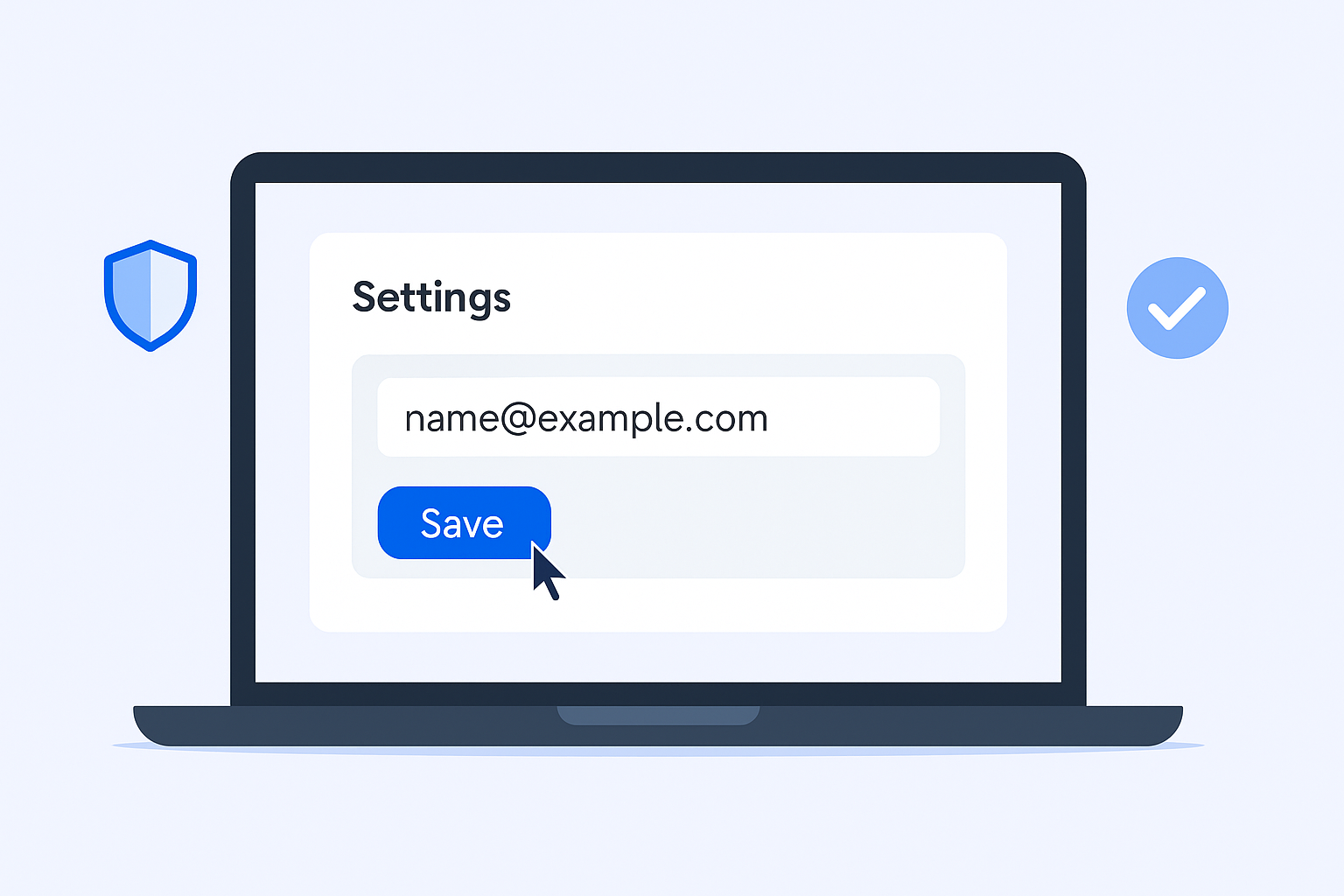
- Click your profile picture → Settings & Privacy
- Navigate to Sign in & Security → Email addresses
- Add your new email and verify it
- Click “Make primary” next to your verified new email
- Remove your old email if needed
Done. That’s it. Now let me show you the details and how to avoid the common mistakes that lock people out of their accounts.
Â

Â
What is the Purpose of Your Email Address on LinkedIn?
Your registered email address serves three critical functions that most people don’t think about until it’s too late.
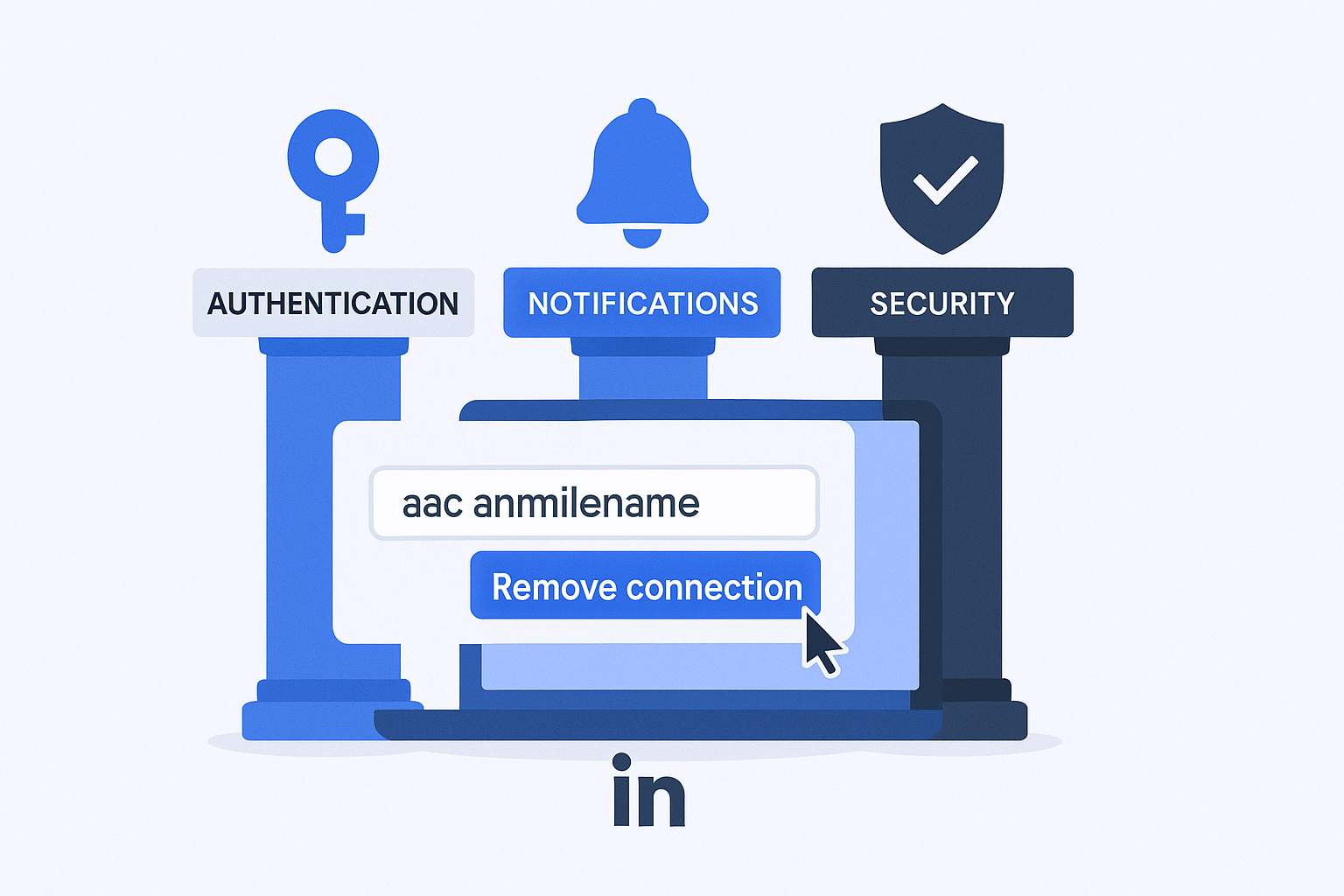
Authentication and Access: This is your key to the platform. No access to this email? No access to your network, messages, or years of professional connections.
Â

Â
Notifications and Updates: Every connection request, InMail message, and important platform update routes through this address. Miss these notifications, and you’re missing opportunities.
Security and Recovery: Here’s where it gets serious. Your primary email address is the only way LinkedIn can verify your identity when you need to reset your password or recover your account.
Research shows that follow-up emails boost reply rates by over 50%. But you can’t follow up if you’re locked out because your email address linkedin is tied to an account you can no longer access.
The cost of disconnection isn’t just inconvenience—it’s lost opportunities, broken pipelines, and starting from zero with a new profile.
🚀 Secured Your Access. What’s Next?
Most professionals stop at profile optimization. We build complete LinkedIn outbound engines: targeting, campaigns, and systematic scaling.
How to Associate a Second Email Address to Your LinkedIn Account?
Adding a backup email is the single best insurance policy for your professional network. It takes two minutes and could save you weeks of headaches.
Why You Need a Backup Email:
- Job changes happen fast. Companies often revoke email access within hours of resignation.
- A secondary email prevents account lockouts during transitions
- It helps LinkedIn suggest contacts who might have you listed under an alternative address
Here’s how to add a secondary email (Desktop):
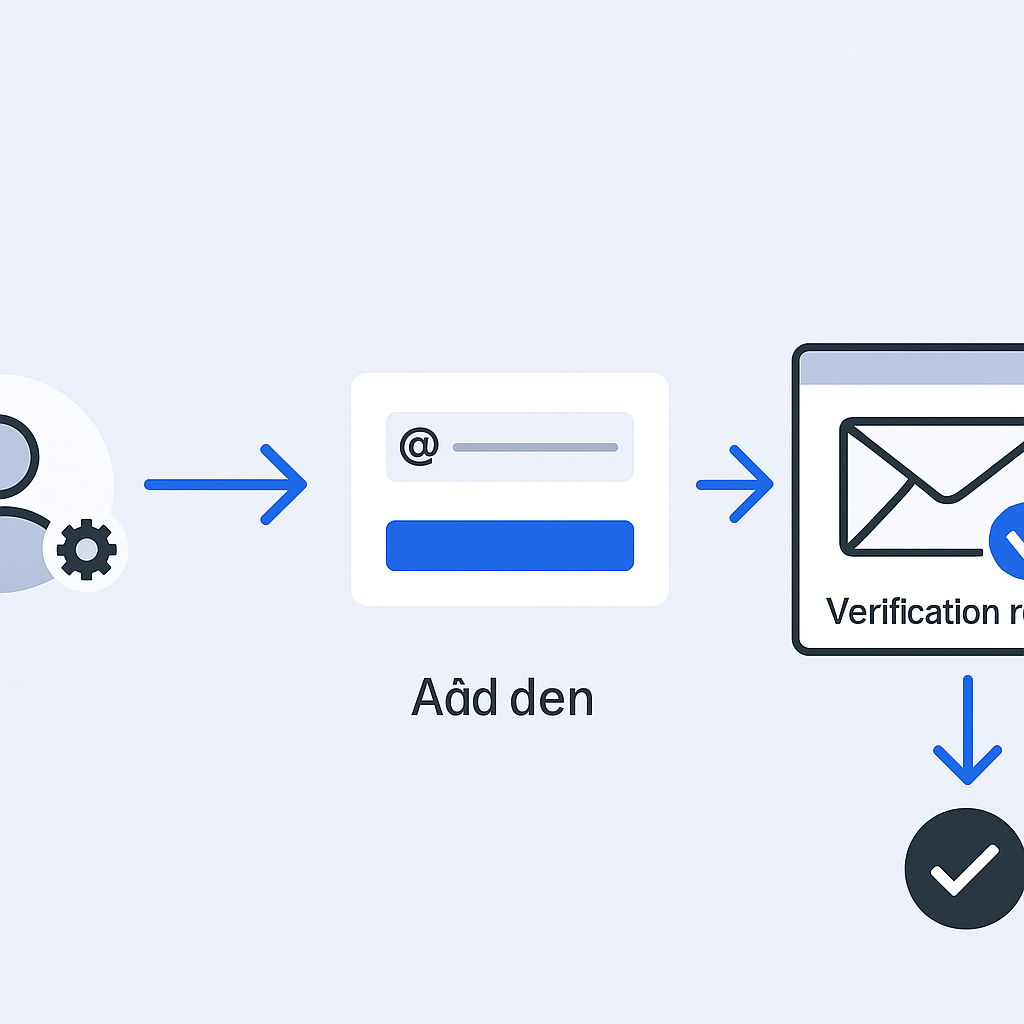
Start by clicking your profile picture in the top right corner. Select Settings & Privacy, then navigate to Sign in & Security. Under Email addresses, click “Add email address.”
Enter your alternative email address linkedin and input your LinkedIn password when prompted. LinkedIn will send a verification link to your new secondary email.
Â

Â
Check that inbox, click the verification link, and you’re done. Your backup is now active.
The verification step is mandatory for all email addresses. LinkedIn requires this to ensure you actually control the email you’re adding. No verification? No backup.
Here’s the smart move: use a personal email (Gmail, Outlook, etc.) as your secondary, never a work email you might lose access to. This creates a permanent safety net that follows you through every career transition.
What is the Primary Email Address on LinkedIn
Understanding the difference between primary and secondary emails is crucial. Most people don’t realize these aren’t interchangeable until they’re locked out.
Your primary email address holds exclusive privileges:
- It’s your only login credential
- All critical notifications route here first
- Password resets and security verifications use this address only
- It must be fully verified before you can change it
Primary vs. Secondary: The Critical Differences
Function | Primary Email | Secondary Email |
Sign-In | ✓ Yes (Main Gateway) | ✗ No |
Notifications | ✓ All critical messages | ✗ Only for contact discovery |
Password Reset | ✓ Yes | ✓ Yes (crucial backup) |
Profile Visibility | Subject to privacy settings | Hidden from public view |
Think of your secondary email as a spare key. It won’t open the front door directly, but it can help you recover access when your primary key is lost.
Here’s what catches people off guard: you can’t remove your current primary email address unless you first designate another verified email as the new primary. LinkedIn requires your account to always have at least one verified primary address.
Planning to leave your job? Change your primary email to a personal one before your last day. Don’t wait until you lose access to your work email—by then, recovery becomes complicated and time-consuming.
Benefits of Adding a Second Email Address to Your Account
The benefits go beyond simple account recovery. A well-configured email setup protects your professional continuity and enhances your security posture.
Professional Continuity During Transitions: When you change roles, your network remains intact. Your connections, message history, saved jobs, and InMail correspondence don’t disappear with your old company email.
Losing your network means rebuilding from scratch. That’s months or years of relationship-building gone. Your secondary address linkedin prevents this entirely.
Enhanced Security and Recovery: A verified backup email simplifies password resets and account recovery. If your primary email gets compromised or becomes inaccessible, you’re not starting a lengthy identity verification process with LinkedIn support.
Remember that 3,600-3,800% average ROI from email marketing? Your LinkedIn network is part of that equation. Protecting access to it protects your professional earning potential.

💼 Protected Your Account. Now Fill It.
LinkedIn outbound beats cold email by 3x. Get 15-25% response rates without deliverability headaches or spam filters.
Addressing Privacy Concerns: Some professionals worry that adding their work email as a secondary might let their employer monitor their LinkedIn activity. This is a myth.
LinkedIn treats all email addresses solely as authentication credentials and contact discovery tools. Adding a work email as secondary does not grant your organization any access, monitoring capability, or visibility into your account activity.
The secondary email primarily helps LinkedIn’s contact import feature suggest connections. You control all notification routing through your settings—send everything to your personal email if you prefer complete privacy from your workplace.
For those interested in ensuring their email addresses are valid before adding them, check out our guide on how to verify email addresses.
How to Hide Your Email Address on LinkedIn?
Controlling who sees your email address isn’t just about privacy—it’s about protecting yourself from data scraping and unwanted outreach.
Why Visibility Control Matters: Leaving your email visible to everyone makes you a target for competitor prospecting teams and data harvesting services. For professionals in sales, marketing, or business development, this means drowning in spam that clutters your inbox and reduces your actual productivity.
Adjusting Your Email Visibility Settings:
Click your profile picture and select Settings & Privacy. In the left sidebar, click Visibility. Scroll to “Visibility of your profile & network” and select “Who can see or download your email address.”
LinkedIn offers four privacy levels:
- Only visible to me: Maximum privacy, no one can see your address
- 1st-degree connections: Only direct contacts can access it
- 1st and 2nd-degree connections: Extended network visibility
- Anyone on LinkedIn: Public visibility (highest risk)
The Strategic Middle Ground: For most professionals, “1st-degree connections” strikes the right balance. This setting enables communication with confirmed contacts and existing business relationships while protecting your primary email from wholesale data harvesting by unknown parties.
Setting visibility to “Anyone on LinkedIn” essentially publishes your email to any scraping tool that wants it. That’s handing your inbox over to every sales intelligence platform on the internet.
Choose protection over accessibility. Your real connections already have ways to reach you. Everyone else can send an InMail or connection request first.
How to Remove Your Email Address on LinkedIn
Maintaining clean account security means removing old, obsolete, or inaccessible email addresses from your profile.
Why Remove Old Emails: Old addresses, especially those tied to previous employers, create confusion during recovery attempts and represent minor security vulnerabilities. Keeping only current, accessible email addresses streamlines account management.
Steps to Remove an Email:
Navigate to your profile picture → Settings & Privacy → Sign in & Security → Email addresses. Find the specific email address you want to remove and click the “Remove” button next to it.
The Critical Limitation: You cannot remove your current primary email address unless another verified email has first been designated as the new primary. LinkedIn requires your account to maintain at least one active, verified primary address at all times.
If you need to remove your current primary, add and verify a new email first, make it primary, then remove the old one.
This two-step process prevents accidental account lockouts. LinkedIn’s system ensures you always have a verified access point.
Want to ensure new email addresses are valid before adding them? Our article on checking if an email is valid covers essential verification techniques.
Troubleshooting: Why LinkedIn Change Email Address Is Not Working
When things go wrong, quick troubleshooting minimizes professional downtime. Here are the three most common issues and their fixes.
The Verification Link Hasn’t Arrived:
Check your spam or junk folder first. Email security filters sometimes flag LinkedIn’s automated messages incorrectly. This fix works about 60% of the time.
Double-check the email address you entered for typos. If correct, wait up to 30 minutes—server delays happen. Still nothing? The issue might be your email provider blocking LinkedIn’s messages. Contact your email provider or LinkedIn support to verify delivery.
The Verification Link Doesn’t Work When Clicked:
Browser conflicts cause this more often than you’d think. Copy the verification link, open a different browser (try Chrome if you’re using Safari, or Edge if you’re using Chrome), paste the link, and try again.
Different browsers handle verification tokens differently. Switching browsers bypasses most technical conflicts.
Lost Access to Your Primary Email:
This is the nightmare scenario, but there are solutions.
Solution 1: If you previously added a secondary email, log in using that email and immediately update your primary email address to something accessible.
Solution 2: On the login page, when asked to enter your password reset email, look for the small link that says “Can’t access this email?” Click it to access alternative verification methods.
Solution 3: If automated recovery fails, contact LinkedIn support directly. Be prepared to provide identity verification—a government-issued ID, your full name, and date of birth—to prove account ownership.
Common Issue Summary:
Issue | Most Likely Cause | Quick Fix |
No Verification Email | Spam filter or server delay | Check spam; wait 30 minutes; contact support |
Link Won’t Work | Browser incompatibility | Copy link, use different browser |
Lost Primary Access | No backup email configured | Use secondary email or contact support with ID |
Conclusion
Managing your email addresses on LinkedIn isn’t complicated, but the consequences of getting it wrong can be severe. A single outdated email address can lock you out of your entire professional network.
The essential actions are simple: add a personal backup email today, update your primary before any job transition, and control who can see your contact information.
These small steps protect years of professional relationship-building and ensure continuous access to opportunities. Don’t wait until access problems force your hand.
✅ LinkedIn Secured. Pipeline Optimized?
Your active profile deserves a systematic outbound strategy. We handle targeting, campaign design, and scaling so you get meetings.
7-day Free Trial |No Credit Card Needed.
Take five minutes now to secure your account. Your future self will thank you.
LinkedIn Working? Now Scale It.
Your active LinkedIn profile is ready. Turn it into a predictable pipeline with our complete outbound engine.
Segmentation That Actually Converts
LinkedIn outbound targets precise demographics with strategic campaign design and scaling methods